Award letters, terms and payments
Each award has a page for its details, payments and reports. Attach the award letter, and GrantFlex can pull out the grant period, report dates, payments and conditions for you to check.
- 6 min
- Every plan
- Uses 1 AI action
Screens pending
Uses 1 AI action
In the app:Pipeline, then Awards & reports, then Open award
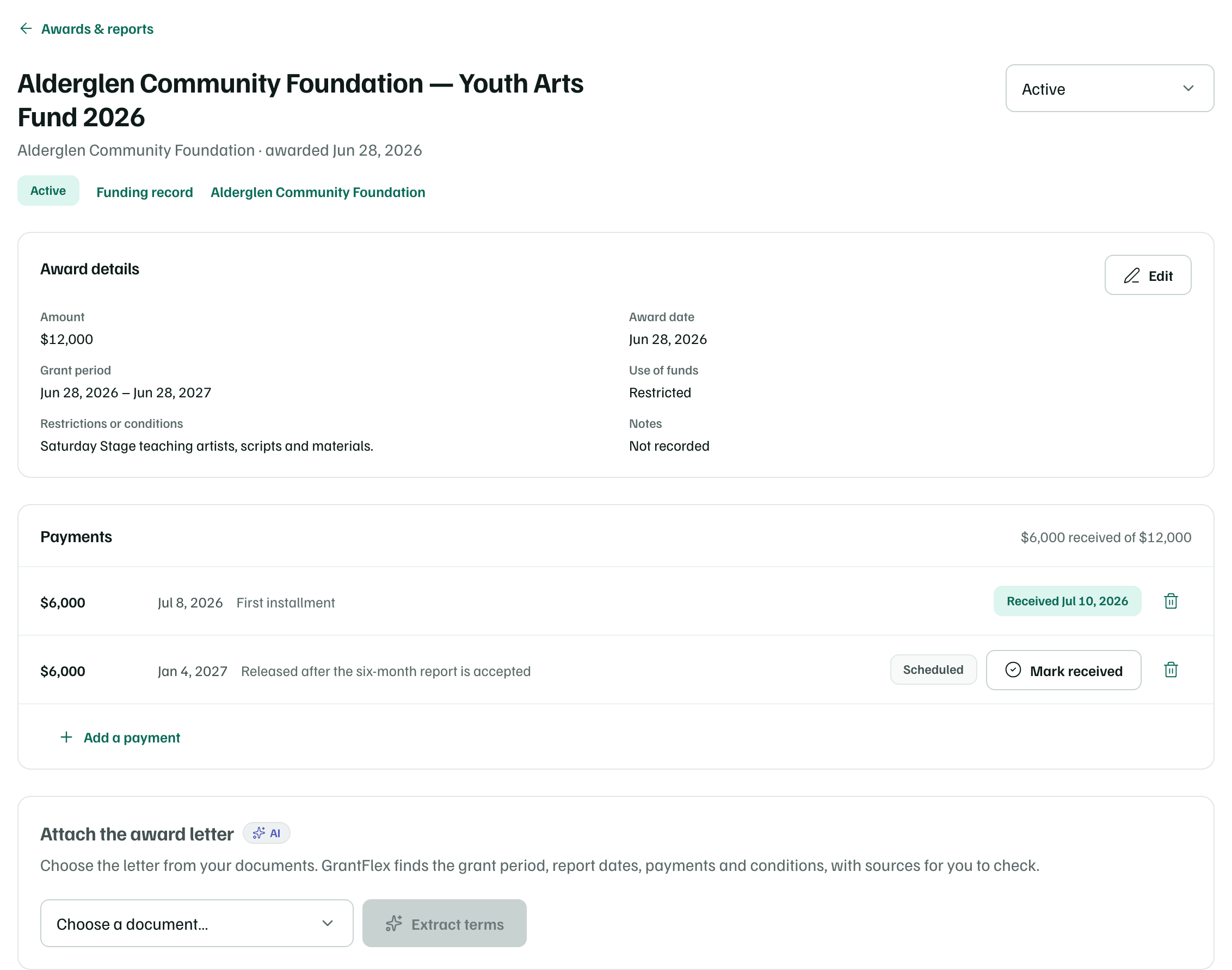
Open an award from Awards & reports, or select Payments, reports and terms on its funding record. The status menu sits at the top right, with links to the Funding record and the funder below the title.
Award details
Award details shows the Amount, Award date, Grant period, Use of funds, any Restrictions or conditions and Notes. Select Edit to correct them. Reports, renewals and Insights all use these details.
Payments
List each installment the funder will send. Select Add a payment, enter the Amount, when it's Expected on and a Note, then select Add payment. The total at the top shows how much has arrived.
- When money arrives, select Mark received. It records today's date.
- Scheduled payments appear on the calendar, and their owner is reminded before each one.
- The bin button beside a payment removes it after you confirm.
Attach the award letter
Upload the letter
Upload the letter in Documents with AI analysis on. Without a category, a file whose name includes the word award is typed as an award letter, and award letters are listed first on the award's page. You can also set the type on the document's page.
Extract the terms
On the award's page, under Attach the award letter, choose the document and select Extract terms. GrantFlex reads only that document.
Check what it found
The terms are labeled Extracted by AI — verify against the letter: the Award amount, the Grant period, Reporting deadlines, Rules to follow and the Payment schedule. Each line shows the passage of the letter it came from. A figure the letter doesn't give reads Not stated.
Add the dates
From the award letter lists the letter's report dates that aren't on the award yet. It lists the letter's payments too, if the award has none. Check them against the letter, then select the button that adds them, such as Add 2 report dates. They reach the calendar and its reminders.
Extracting never changes the amount or details you recorded. View letter opens the document. To use a different one, open Re-extract from a different document at the end of the page. It replaces the terms with what the new document says.
Check first
Reports
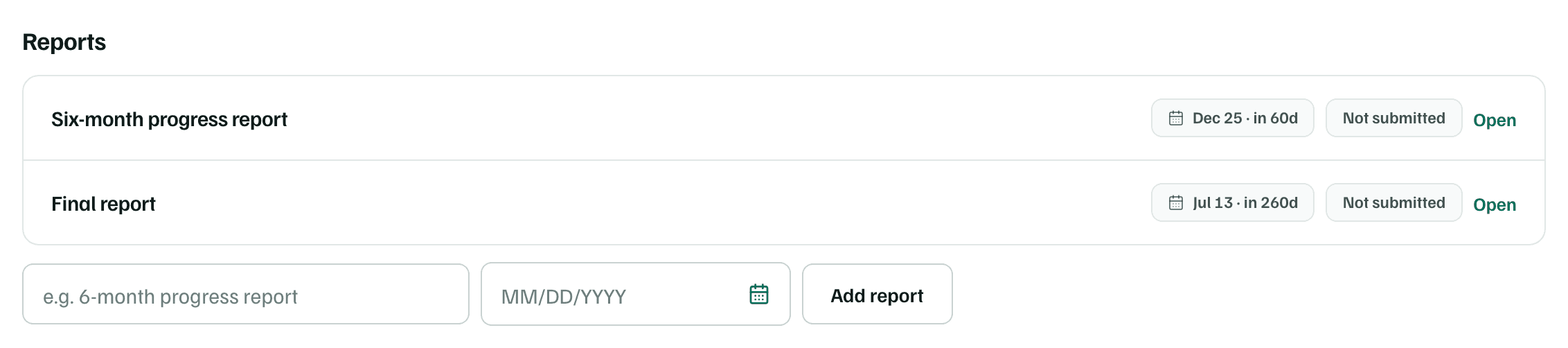
Each report the award requires has a row under Reports, with its due date and status. To add one, enter its title and due date, then select Add report. The new report opens straight away.