People & programs
People & programs keeps your board, your staff and your programs in one place. Proposals reuse them, so you enter each fact once and keep it current here.
- 4 min
- Every plan
Screens from October 2026
In the app:Organization, then People & programs
The tab has three lists. Owners, admins and editors can add, edit, reorder and remove entries. Viewers can read them.
Board
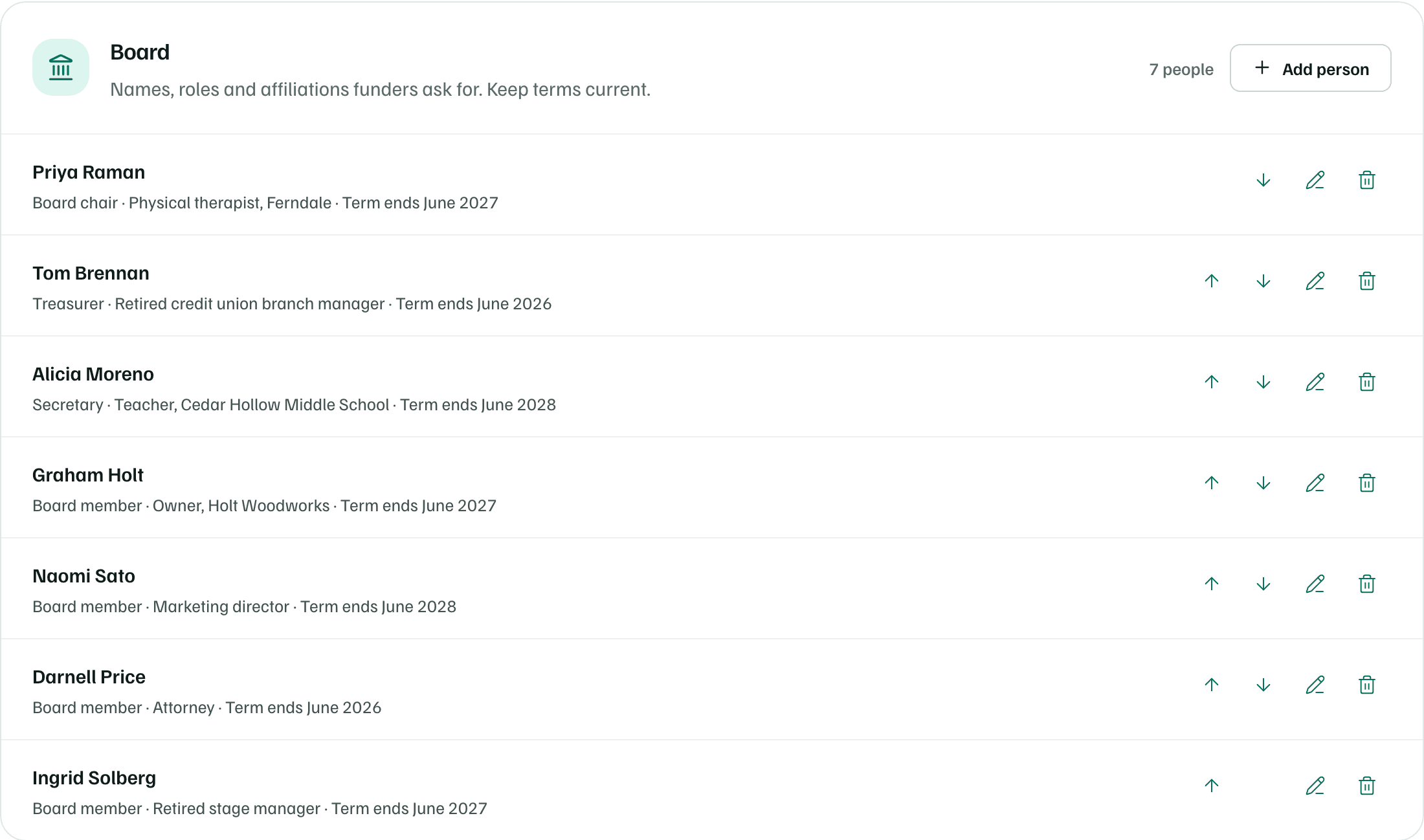
Funders often ask who governs the organization and how board members are connected to the community. Select Add person and enter the Name, Board role, Affiliation and when their Term ends. Keep terms current, since many applications ask for them.
Staff and key personnel
List the people who lead and deliver the work, with a Title and a short Bio. Two or three sentences is enough to reuse in a proposal.
Tick Key personnel, named in proposals for the people who will lead funded work. They get a Key personnel badge, and AI drafts name them with their titles.
Note
Programs
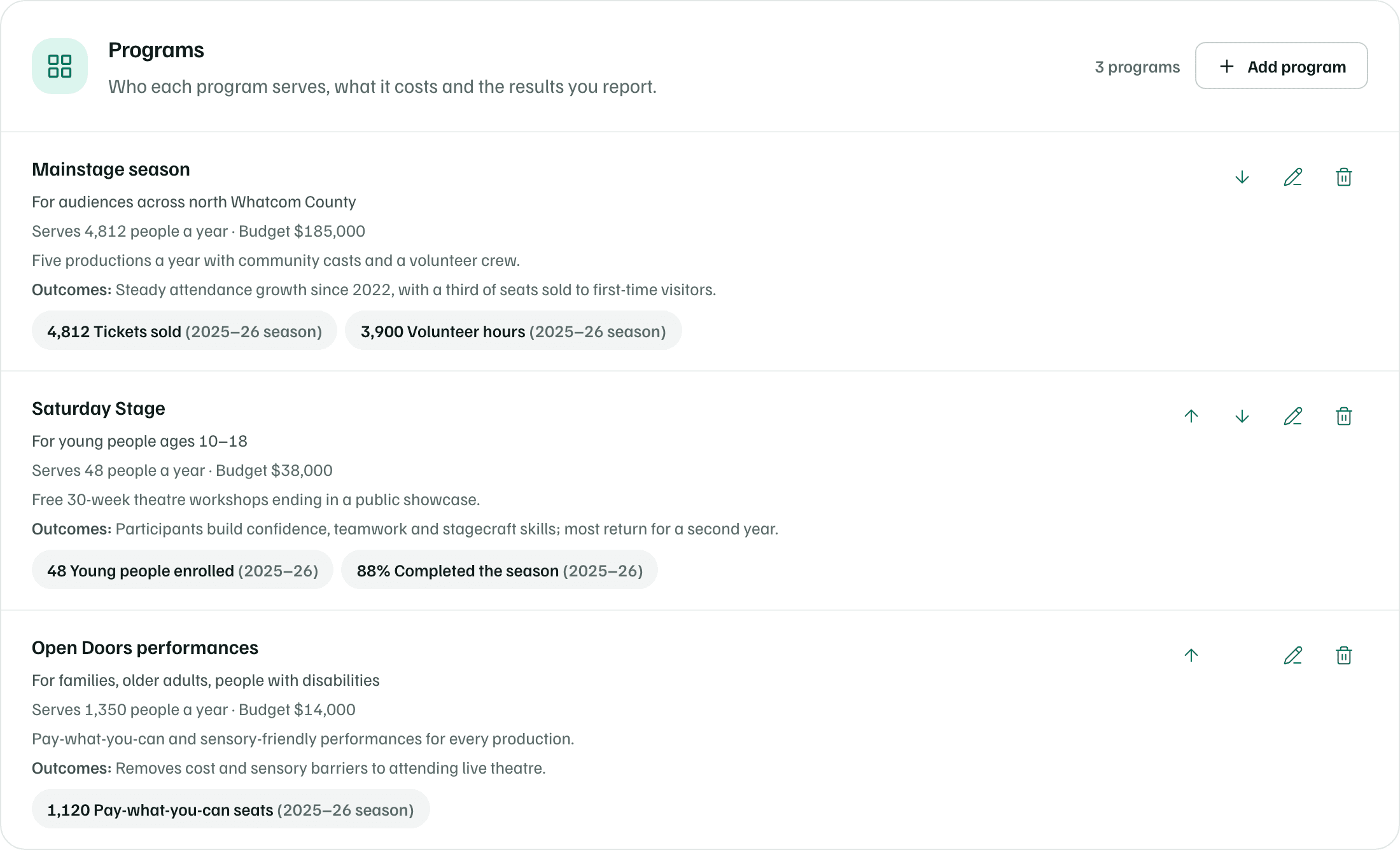
Select Add program and describe one program:
- Program name and What it does.
- Who it serves and People served each year.
- Annual budget, in US dollars.
- Outcomes: what changes for the people served.
- Metrics: up to 12 numbers you report, each with what you measured, the value and the year.
How proposals use them
When you select Create first draft or Draft from your documents in a proposal section, the draft reads this tab along with your documents:
- Your programs, with who they serve, people served, outcomes and metrics.
- The names and titles of the people marked as key personnel.
- Your two latest years from Financials by fiscal year, on the Applicant file tab.
Drafts don't read board entries, emails or bios from this tab. Copy them into an application yourself when a funder asks for them.
Tip