Turn workspace AI on or off
Workspace AI lets OpenAI read the information you choose, for research and drafting. An owner or admin turns it on or off for the whole workspace in Settings.
- 3 min
- Every plan
Screens from October 2026
In the app:Settings, then AI processing
Open Settings
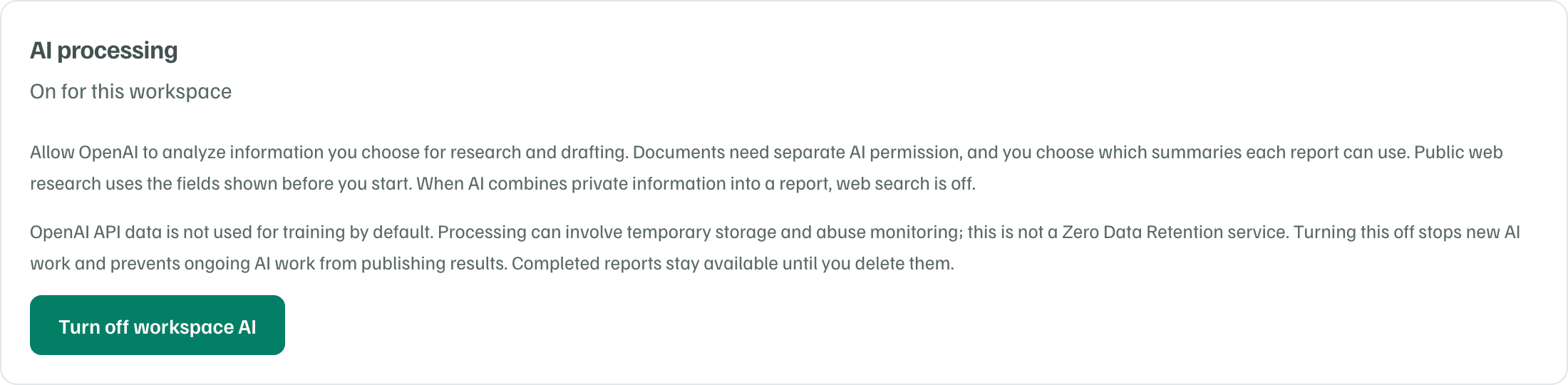
Open Settings from the sidebar. The AI processing card says On for this workspace or Off for this workspace.
Example workspace · fictional data Turn it off or on
Select Turn off workspace AI or Turn on workspace AI. The change applies to everyone in the workspace straight away. Editors and viewers see An owner or admin can change this choice. instead of the button.
A new workspace starts with AI off, and the consent dialog at the end of setup turns it on. What OpenAI may read, and what it stores, is in How GrantFlex uses AI and your information.
What stops when you turn it off
- Research that's queued or running stops, and its results aren't published. Its page says Start again when you’re ready, and your research setup is kept for the next report.
- Drafts and other AI requests that are waiting or in progress are cancelled.
- Documents still being processed stop. Each one's page says Document needs review.
- New AI work can't start until an owner or admin turns AI back on. That includes drafts, rewrites, reviews, quick searches, research reports, refreshes and document analysis.
What stays
- Finished reports stay until you delete them.
- Everything already in the workspace stays, such as inserted drafts, document summaries, records and tasks.
- You can still upload and store files, edit by hand and export your work.
- Each document keeps its AI permissions. While AI is off, no document can be newly allowed for analysis or report use.
Turn it back on
New AI work can start as soon as AI is on again. Work that stopped doesn't restart on its own, so start any research again. Open each document that says Document needs review and select Retry processing.
Agency workspaces