Run your first full report
Start a full research report for your organization. It searches the web for grants, partners and donated support, checks the evidence and suggests what to do next. Starting it takes a few minutes, and the report usually takes about 30 minutes.
- 5 min
- Paid plans
- No AI actions
Screens pending
Before you start
Paid plans
- You need to be an owner, admin or editor of the workspace.
- Workspace AI must be on. An owner or admin can turn it on in Settings.
- Only one report runs at a time in a workspace.
Run the report
Open New research
In Discover, open your report's More report actions menu and select New research. Research history has a New research button too.
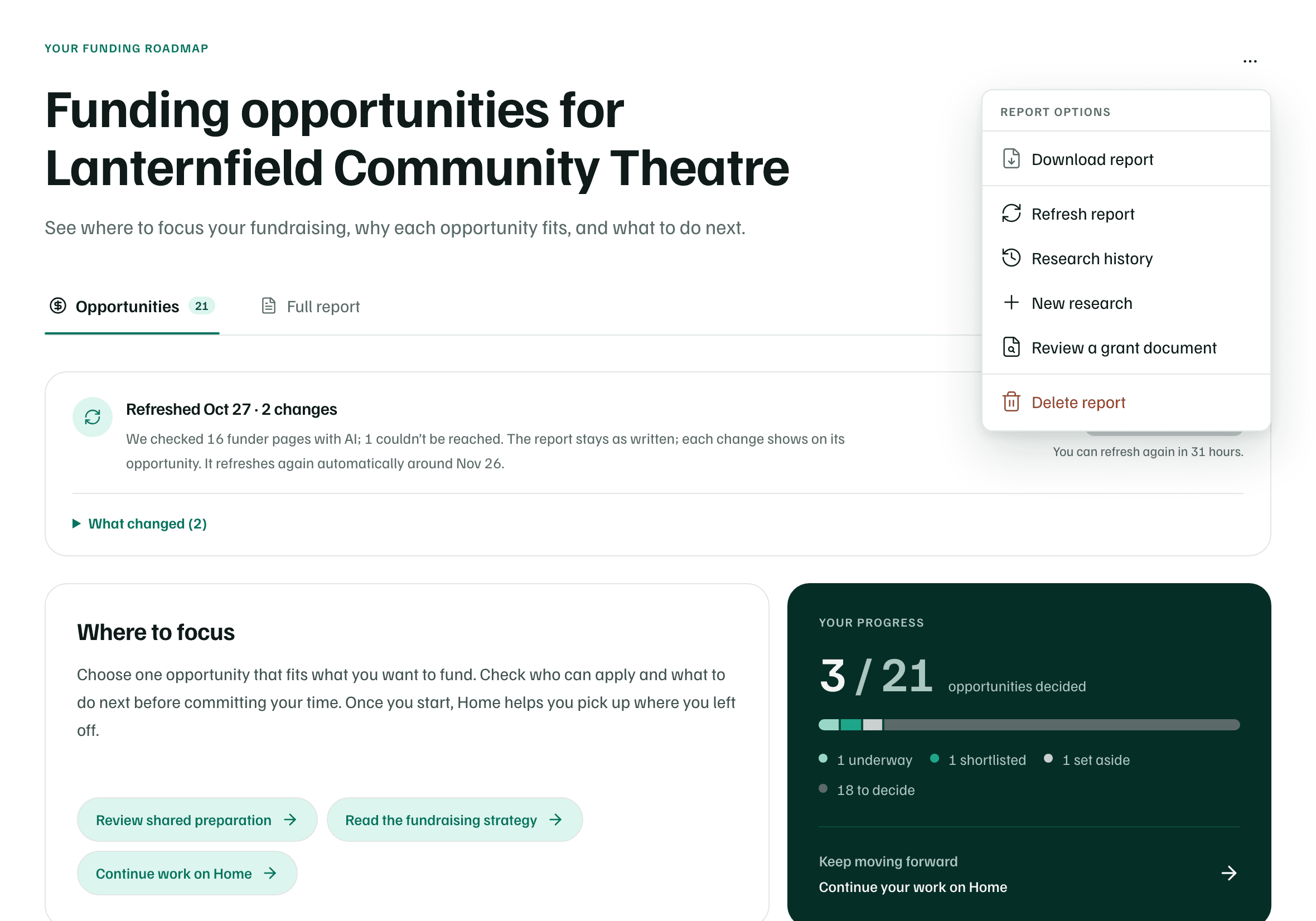
Example workspace · fictional data Choose Full research report
Select Full research report, marked About 30 minutes. Quick search is for one specific need and takes about 2 minutes.

Example workspace · fictional data Say what to focus on
Under What should the web search focus on?, describe what you're raising money for in a sentence or two. It's optional, and it starts with your last report's focus.
This text may be sent to public search engines, so leave out private details.
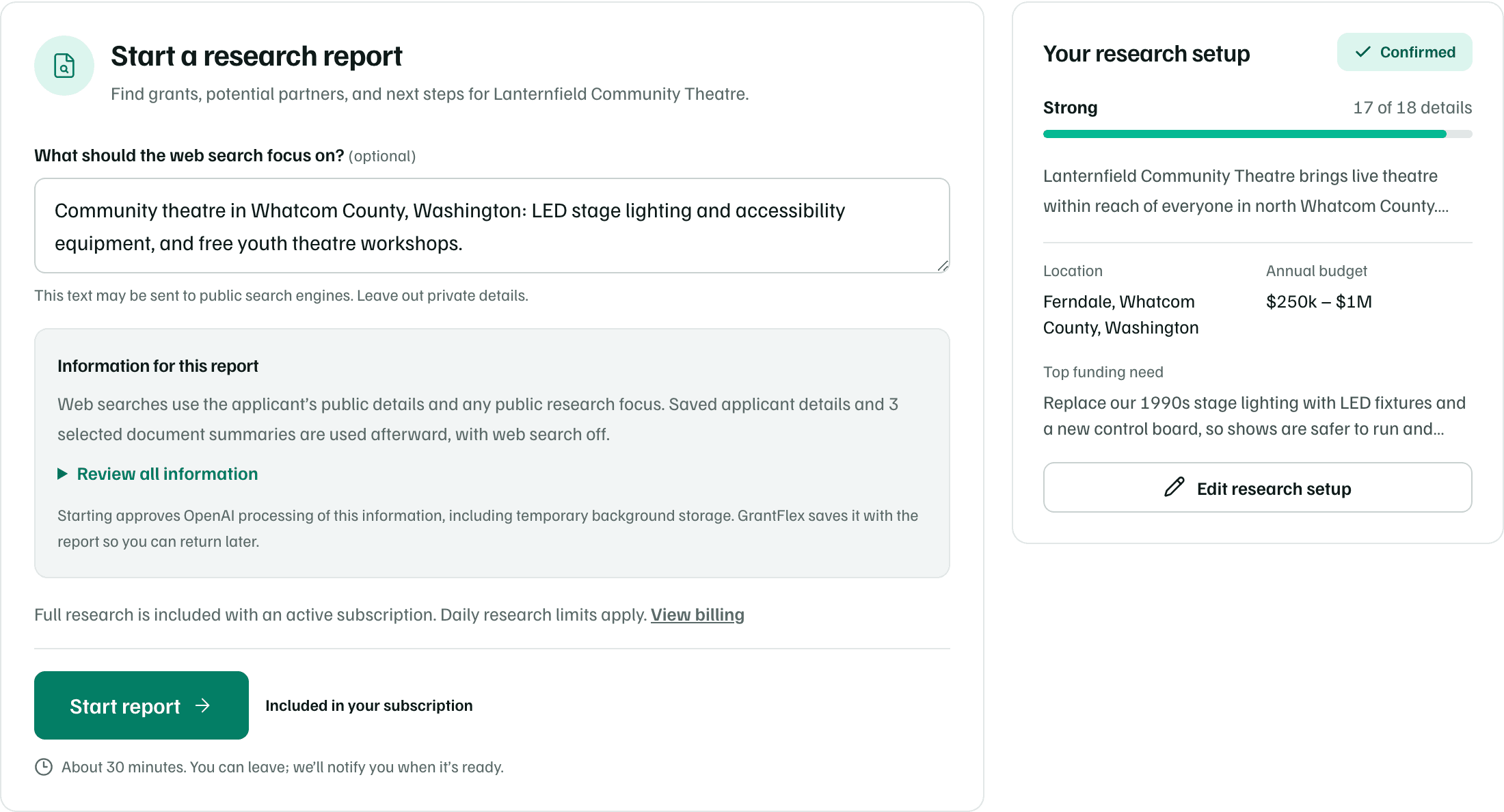
Example workspace · fictional data Check what the report will use
Information for this report says what goes into the research. Web searches use your public details and the focus. Your saved details and the document summaries you chose are used afterward, with web search off. Select Review all information to see each one.
Your research setup holds your funding needs and the documents research may read. To change it, select Edit research setup.
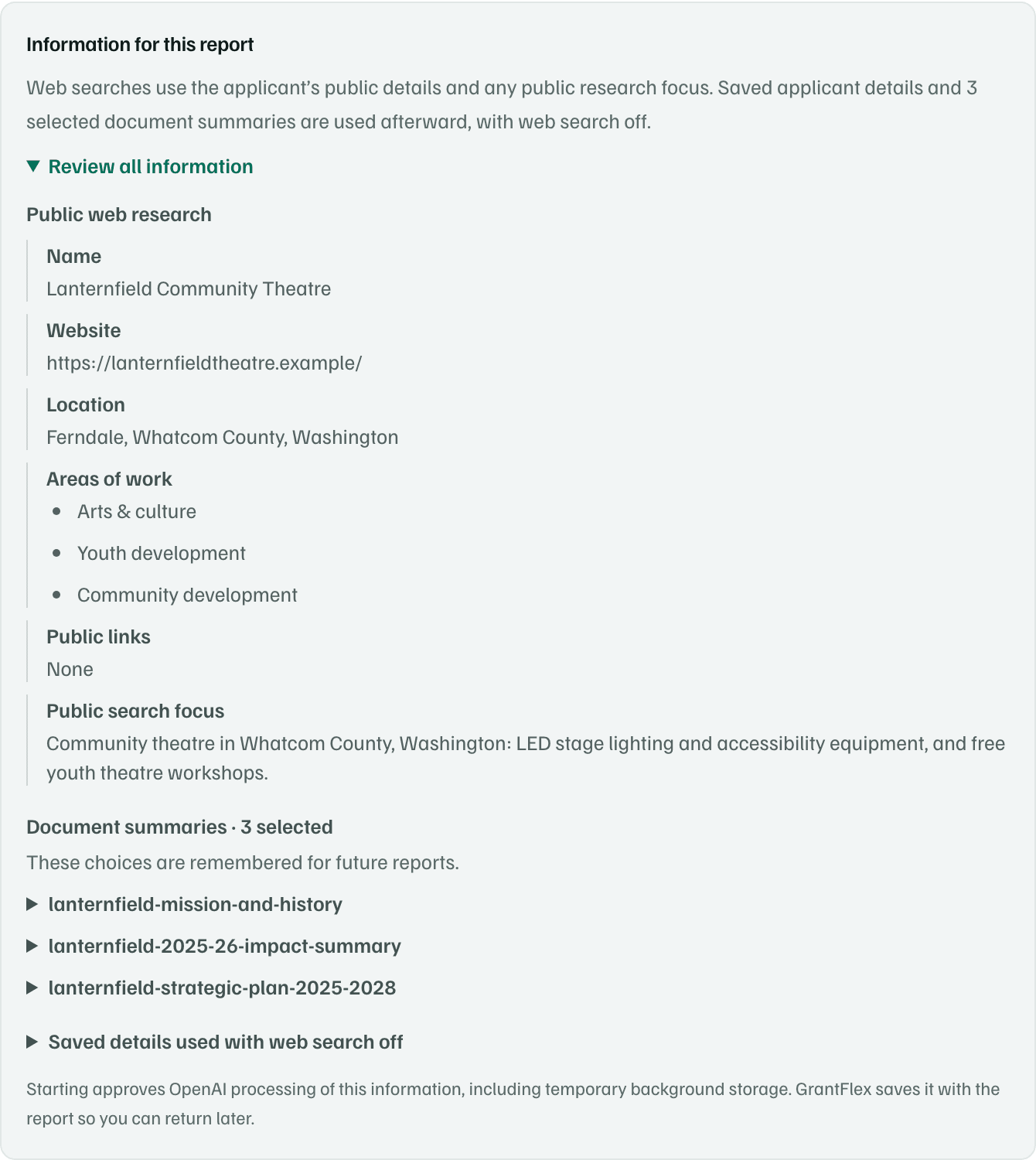
Example workspace · fictional data Start the report
Select Start report. Starting approves OpenAI processing of the information you reviewed.
The page says We’re finding funding for your organization, with four steps from Prepare your brief to Build your report. You can close the tab while it runs.
Open your report
When it's ready, you get a notification, Fundraising research is ready, and an email unless you've turned report emails off. Select View report, or open Discover.
The report opens on Opportunities, ranked by fit. Full report is the written report, with its sources.
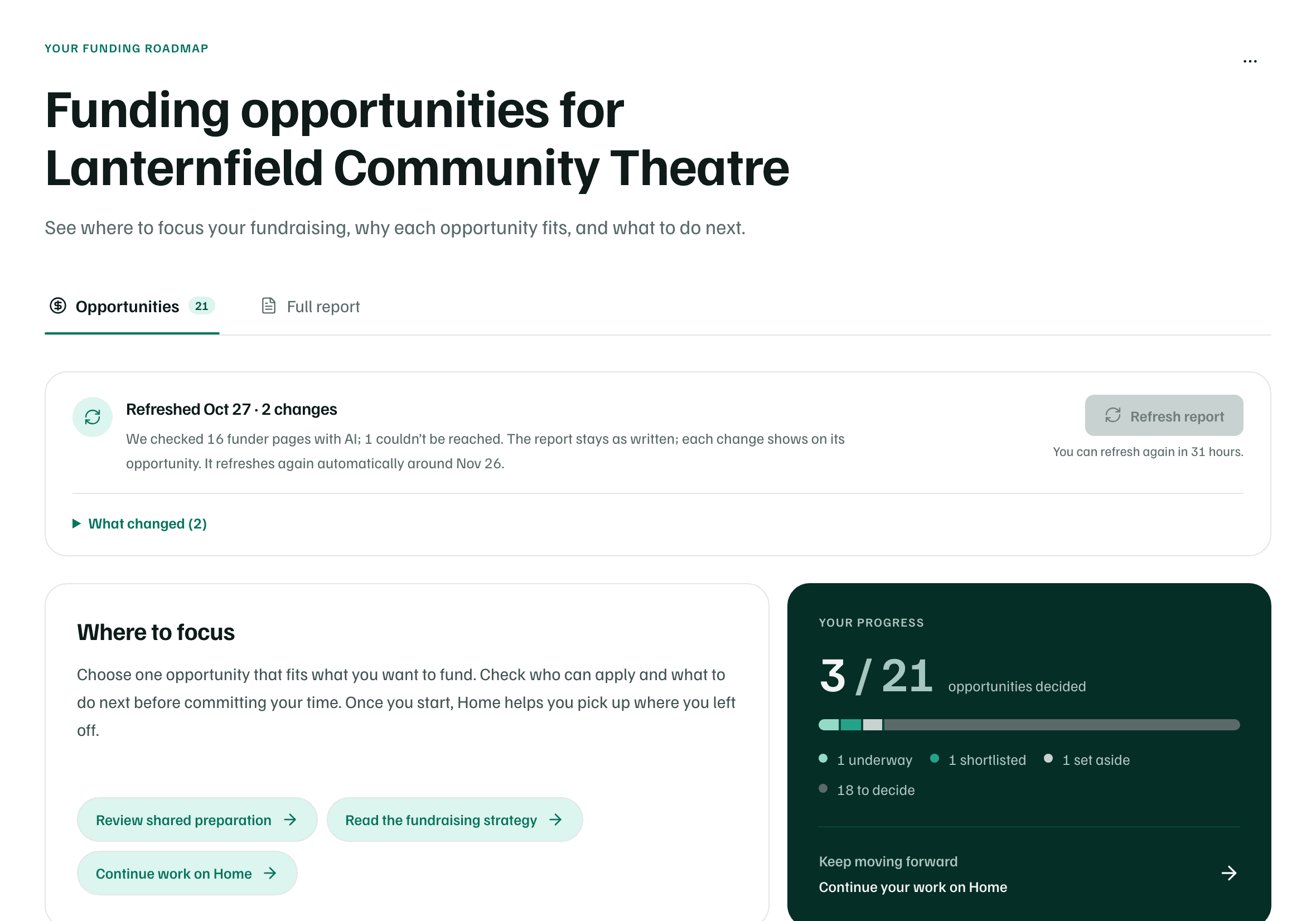
Example workspace · fictional data
For every option, and what to do if research doesn't finish, see Run a full research report.
What you get
A full research report titled Funding opportunities for your organization, with the opportunities it found and the sources behind each one. Check deadlines and eligibility on each funder's own page before you rely on them.