Your funders
Funders keeps every foundation, company and agency you work with: where each relationship stands, what you've asked for and secured, the last touch and the next date.
- 5 min
- Every plan
Screens from October 2026
In the app:Funders
Funders fill in as you work. Every record you add to Pipeline brings its funder here, so you rarely need to add one by hand.
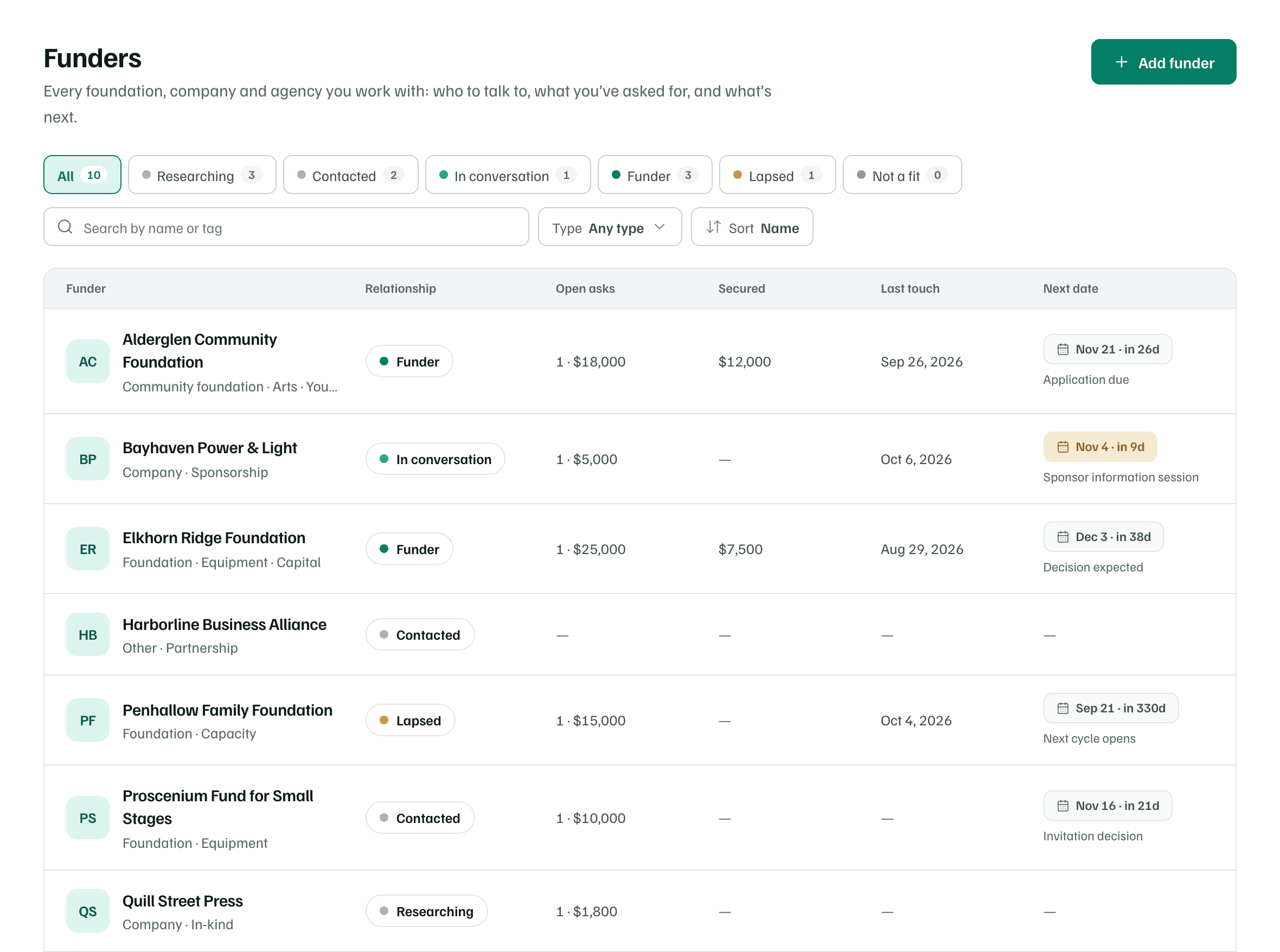
Relationship stages
Each funder has a relationship stage. Each chip above the list counts the funders at that stage. Select one to see only those funders.
| Stage | What it means |
|---|---|
| Researching | Learning whether they’re a fit. |
| Contacted | We’ve reached out; no conversation yet. |
| In conversation | Talking with someone there. |
| Funder | They’ve funded us. |
| Lapsed | Funded us before, not recently. |
| Not a fit | Decided not to pursue for now. |
GrantFlex moves a funder forward as you work, and never back:
- Moving a record to Outreach makes it In conversation.
- Recording a letter of inquiry or a submission makes it Contacted.
- Recording an award makes it Funder.
- Logging a call, meeting or site visit, or anything the funder started, makes it In conversation. Logging something you sent, like an email, makes it Contacted. A note changes nothing.
To set a stage yourself, such as Lapsed or Not a fit, open the funder and select the stage chip under its name. The menu says what each stage means.
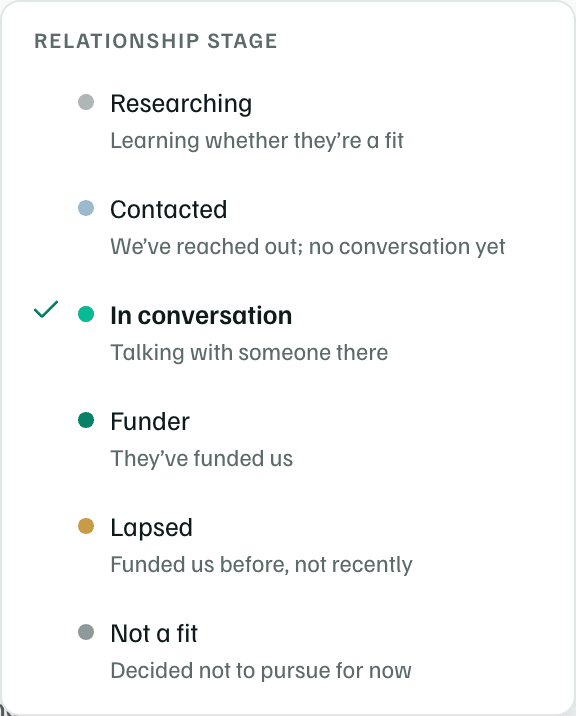
Columns
- Funder: the name, the type and up to three tags.
- Relationship: the stage.
- Open asks: how many records with this funder are still in progress, from Prospect to Awaiting response, and what they ask for.
- Secured: the awards you've recorded with this funder.
- Last touch: the last interaction logged on its page, or the last message you sent with Ask the funder.
- Next date: the next open deadline on any of its records.
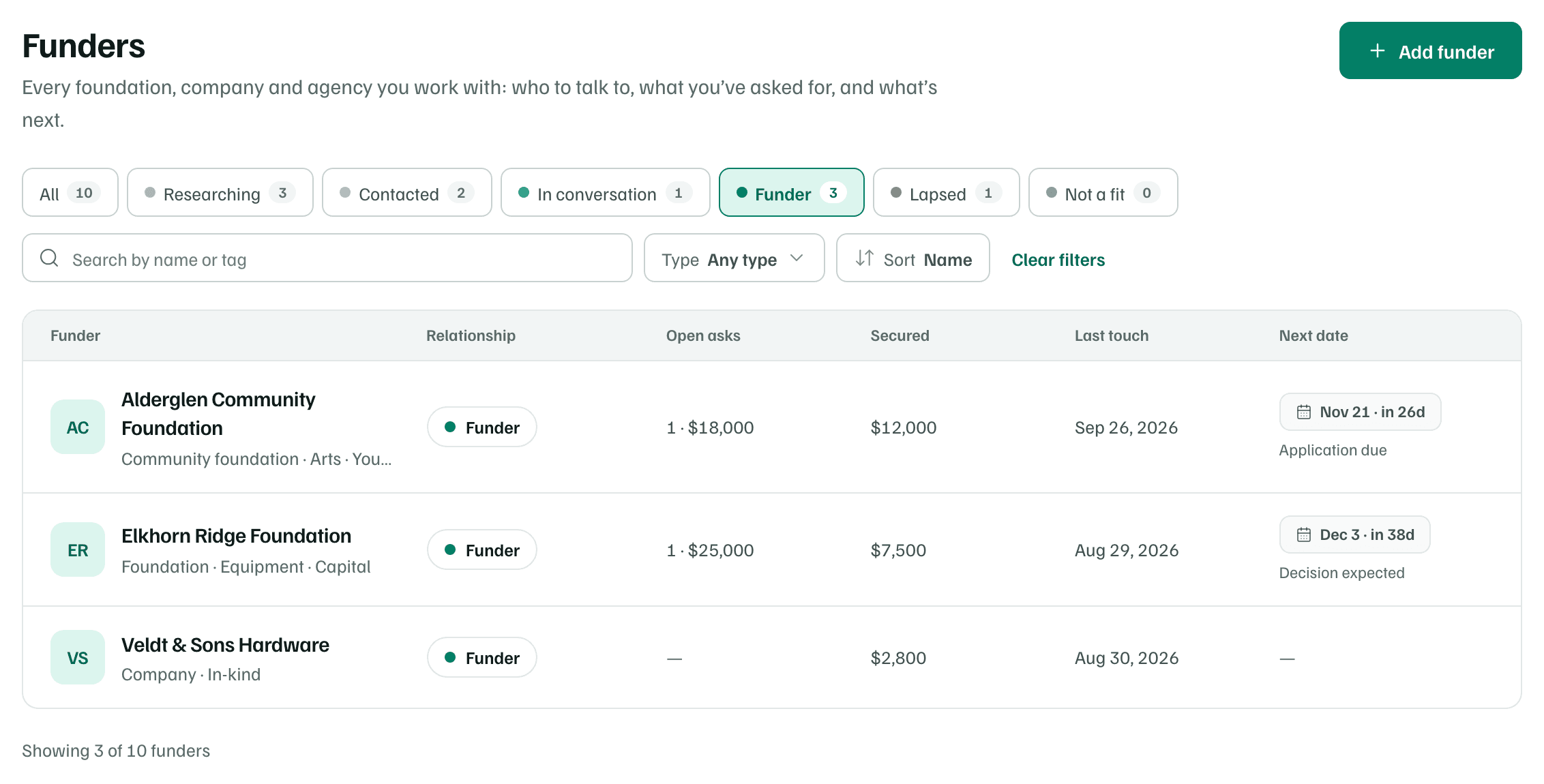
Filter, search and sort
- Search by name or tag.
- Type: Foundation, Community foundation, Company, Government, Individual donor or Other.
- Sort: Name, Recently active, Open asks or Total secured. Recently active puts the funders with the latest activity first.
- Clear filters resets the search, the stage and the type.
Add funders
Select Add funder. Only the Funder name is required. You can also add the Type, a Website, the How to apply page, What they fund and notes. If you type a name you already track, GrantFlex opens that funder instead of adding a second one.
When your organization profile lists past funders that aren't here yet, a note above the list offers Add past funders. Each one your profile says funded you starts as Funder. Link pipeline records links records that name a funder without linking to it. While Funders is empty, both show as cards under Start with the funders you know.
Note