Add deadlines
Add a funder's dates to its funding record so they reach the calendar and send reminders. Say what kind of date it is, how sure you are of it and who owns it.
- 4 min
- Every plan
Screens from October 2026
In the app:Calendar, then Add deadline
Deadlines belong to a funding record. Add them from the calendar with Add deadline, or from the Deadlines card on the record itself. Owners, admins and editors can add them.
Choose the record
On the calendar, select Add deadline. Under Funding record, choose the grant or request the date belongs to. Declined and archived records aren't listed.
Say what the date is
Choose the Type of date and enter the Date. Leave Title blank to use the type's own name. Add a Time only when the funder states one.
Say how sure it is
Answer How sure is this date? A date that isn't confirmed keeps a chip on the calendar, so the team knows to check it.
Choose an owner and save
In a workspace with more than one member, the Owner gets the reminders. Leave it as Record owner to remind whoever owns the record. Add notes or a source link keeps where the date comes from. Then select Add deadline.
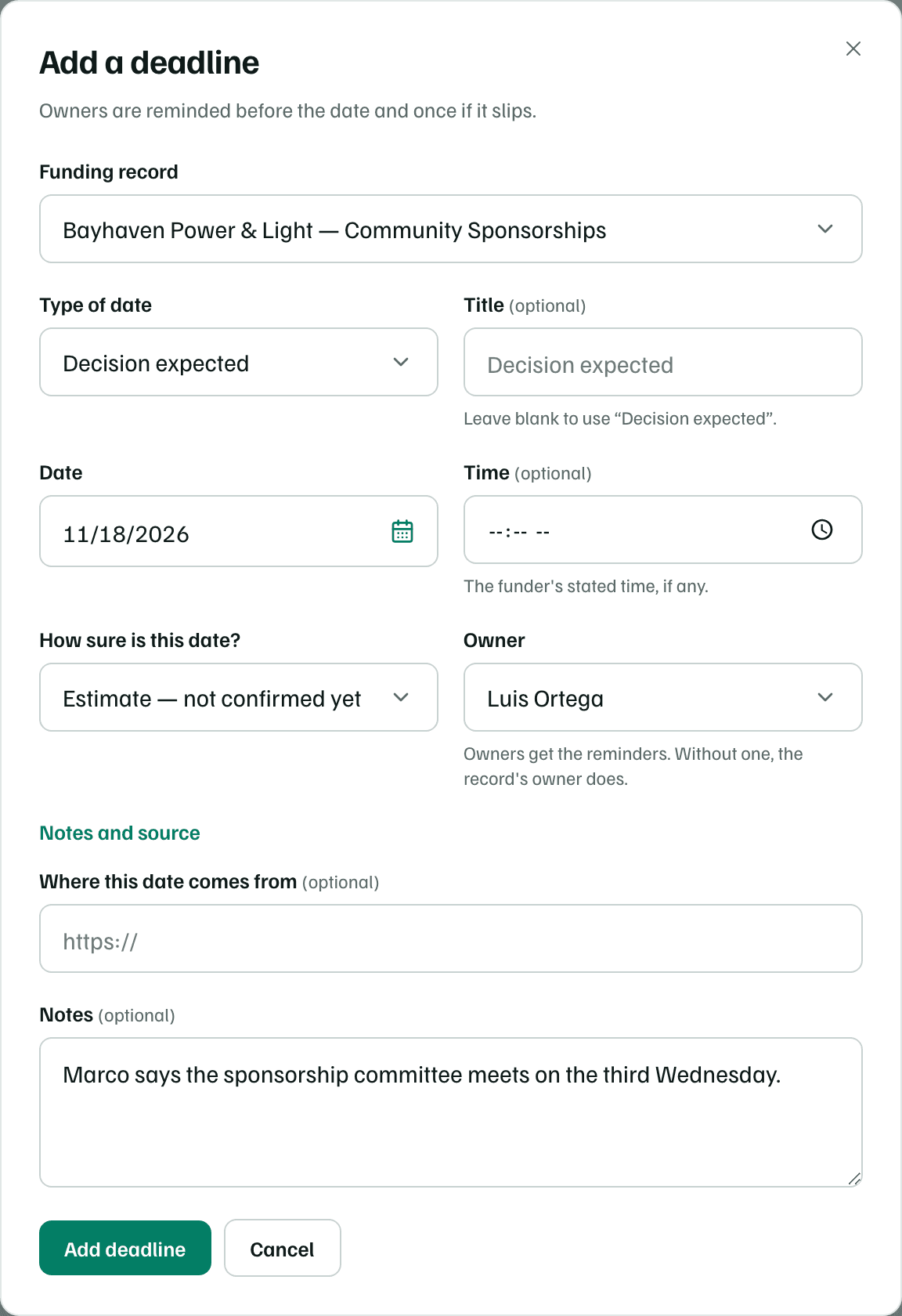
Example workspace · fictional data
| Type of date | Title when left blank | Turns overdue if missed |
|---|---|---|
| Application | Application due | Yes |
| Letter of inquiry (LOI) | Letter of inquiry due | Yes |
| Decision expected | Decision expected | No, it just passes |
| Report | Report due | Yes |
| Renewal window opens | Renewal window opens | No, it just passes |
| Funder event or webinar | Funder event | No, it just passes |
| Other date | Deadline | Yes |
A decision, a renewal window or a funder event can't be missed, so it shows as passed once its day goes by. The other types turn overdue, and their owner hears about it the next day.
| Choose | Shows as | Use it when |
|---|---|---|
| Confirmed with the funder | Confirmed | The funder gave you the date, in its guidelines or in writing. |
| From the research report | From the report | A research report found the date. Records started from research use it. |
| Estimate — not confirmed yet | Estimate | You expect the date but nobody has confirmed it, like next year's round. |
Check first
Dates on a funding record
The Deadlines card on a record's Overview lists its open dates, soonest first, each with how sure it is. Add a deadline opens the same form, which saves with Add date.
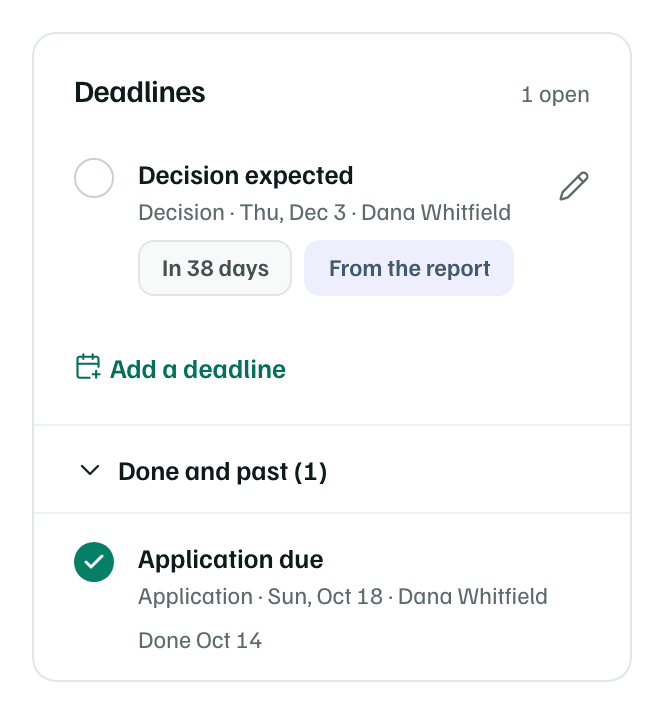
- Select the round check to mark a date done. Select it again to reopen it.
- Select the pencil to change a date. Delete in the form removes it, and its reminders stop too.
- Done and past keeps finished dates out of the way.
When dates close on their own
Once a record is decided, its letter of inquiry, application and decision dates close:
- When you record an award, they're marked done.
- When the funder declines, the ones already past are marked done and later ones are dropped.
- When you archive the record, they're dropped.
Report dates, renewal windows and funder events stay open, because they belong to what comes next. A closed record keeps its dates on the card, but they leave the calendar and send no reminders. Reopen the record to add dates again.
Tip