Export a report
Download a report as a PDF or Word file, share its opening summary, or print it. An export is a copy, and the report in GrantFlex stays as it is.
- 3 min
- Every plan
Screens from October 2026
Download from the Full report tab
Open your report's Full report tab and select Download. The menu has two parts.
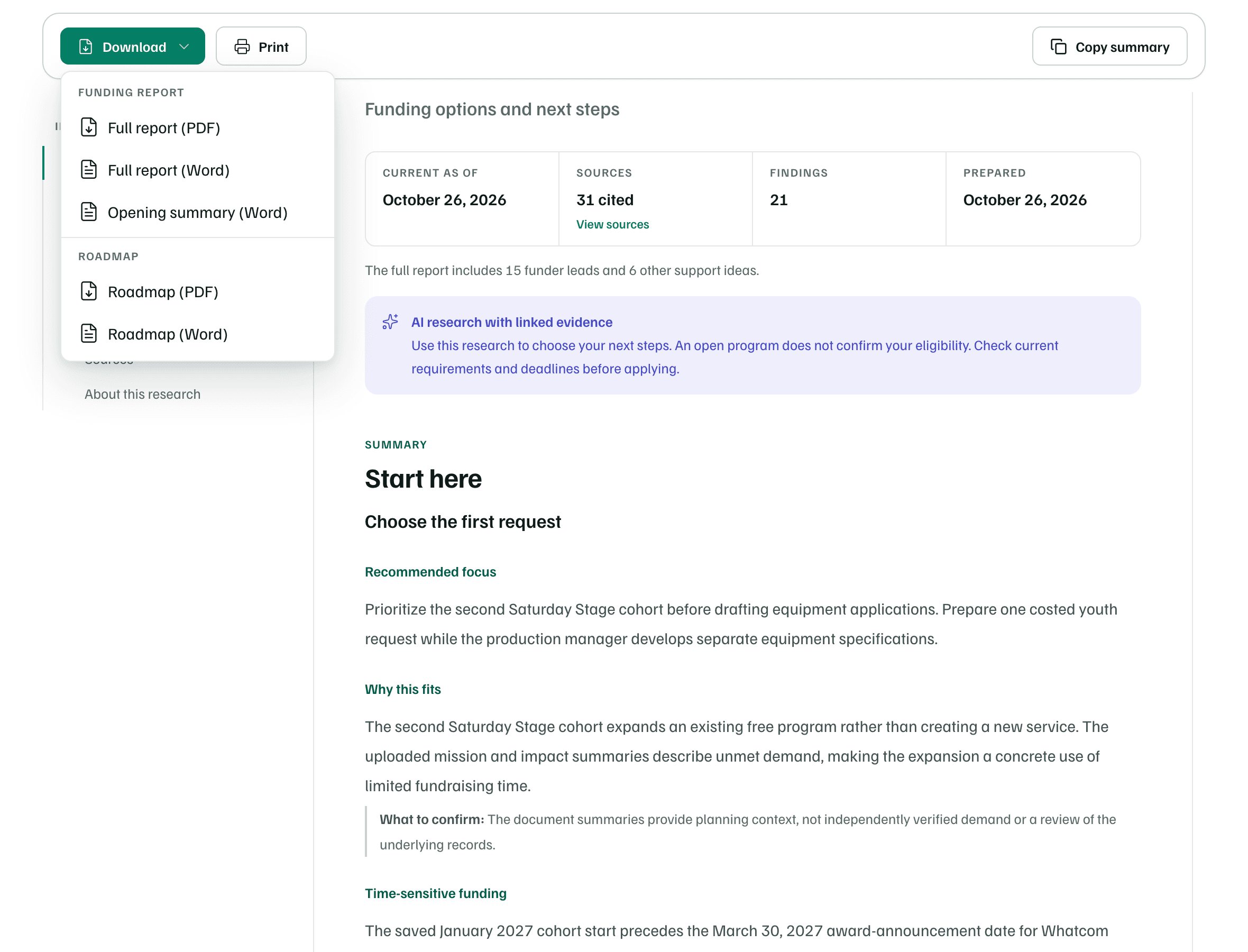
| Download | What you get |
|---|---|
| Full report (PDF) | The whole report, set out as it reads on the Full report tab, to share or print. |
| Full report (Word) | The same report as a Word file you can edit. |
| Opening summary (Word) | Only Start here, the summary at the top of the report, for a board or a colleague. |
| Roadmap (PDF) | The action plan from the report: dated steps to share or print. |
| Roadmap (Word) | The same steps as a Word file, to edit before you share them. |
The roadmap's dates are the report's suggestions, counted from the research date. The roadmap appears in the menu when the report suggests steps.
Print or copy the summary
- Print opens your browser's print dialog for the report.
- Copy summary copies the opening summary with its headings and tables, ready to paste into an email, Google Docs or Word. Review it before you share it.
From any report view
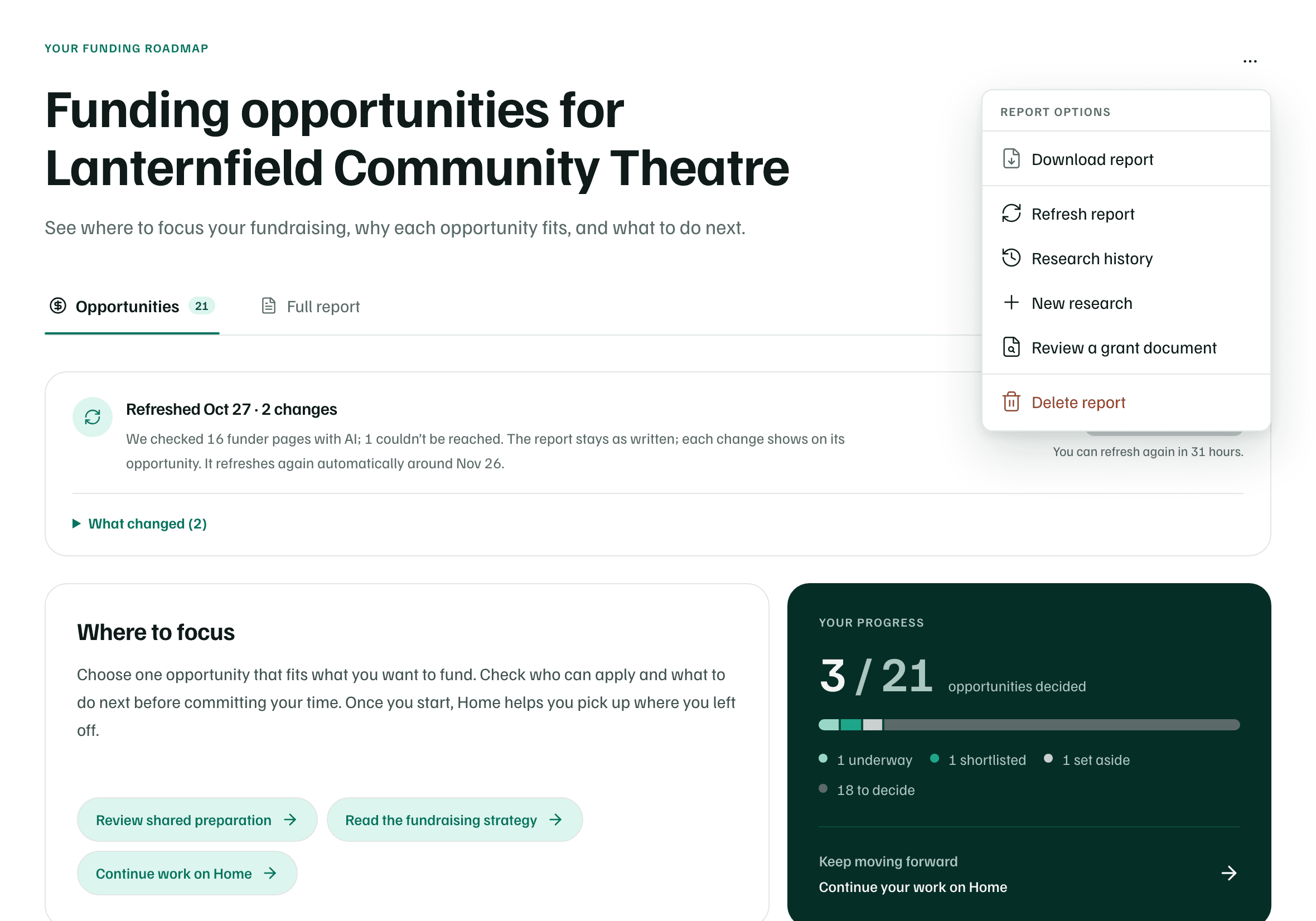
The More report actions menu, at the top right of a report, has Download report for the PDF.
Plans
On the Free plan, exports hold only what your free preview shows.