Research history and deleted reports
Research history lists every report your workspace has run. Open an older report from there, delete one you no longer need, and restore it within 30 days.
- 3 min
- Every plan
Screens pending
Open an older report
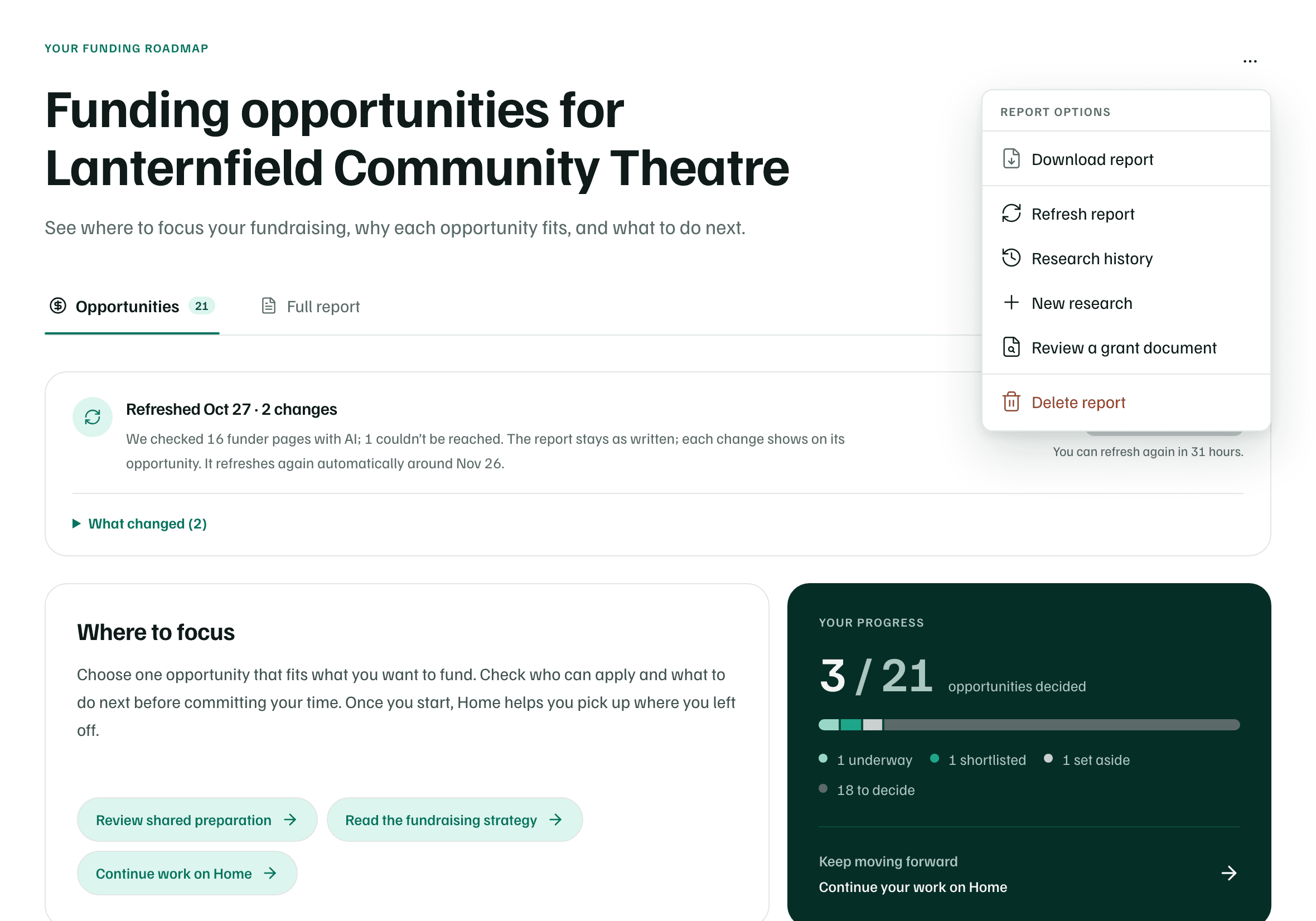
Select Research history on New research, or in a report's More report actions menu. Discover always opens your latest finished report.
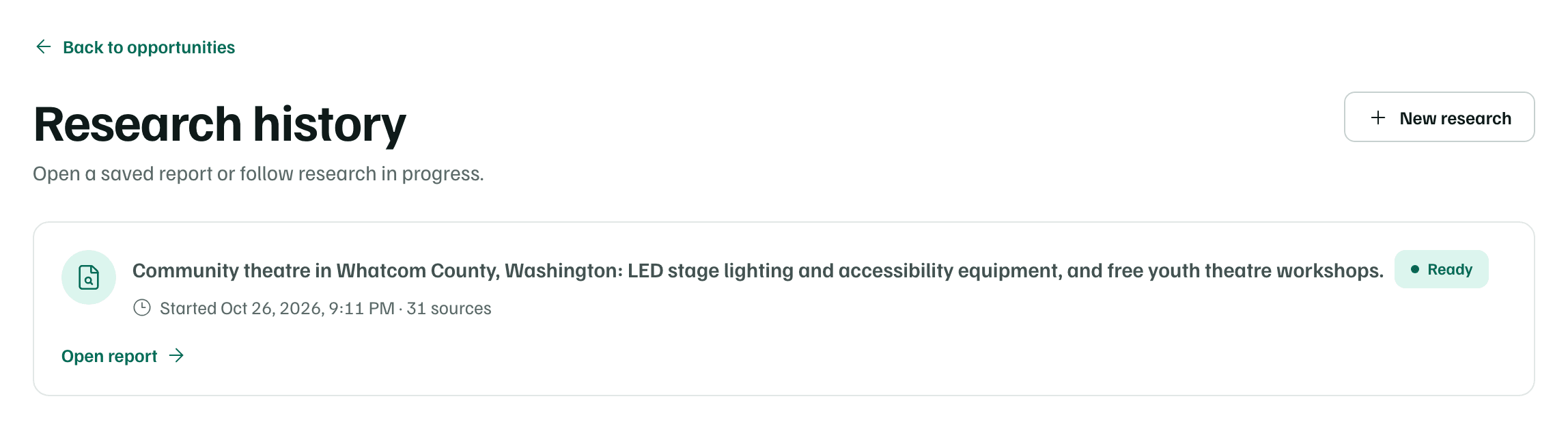
Each report shows its focus, its status, when it started and how many sources it cites. Select Open report, or View run for one that hasn't finished.
- Ready: finished and ready to read.
- Queued or In progress: still running.
- Stopped: it didn't finish. Open it to see why and what you can do.
- Cancelled: someone cancelled it before it finished.
If your workspace had a free introductory run, Open your introductory opportunities at the top opens it.
Delete a report
Open the report's More report actions menu and select Delete report. The dialog lists what else would be hidden with it, then you choose Confirm deletion or Keep content.
Check first
Restore a deleted report
For 30 days, a deleted report is listed under Recently deleted reports at the bottom of Research history. Select Restore report to bring it back, with the work that was hidden with it. After 30 days, it can't be restored.
Note