Browse published opportunities
Published opportunities lists open and forecasted grants from Grants.gov and the California Grants Portal, updated every day. Filter them, track the ones that fit, and save a search to hear about new ones.
- 5 min
- Every plan
Screens from October 2026
In a report, select Browse published opportunities under More ways to find funding. You can also start from From published opportunities in Pipeline's Add funding menu.
Filter the list
Search titles, funders and descriptions with the search box, then narrow the list. The filters start from your workspace's state and focus.

- Location: your state comes first. A state also includes nationwide listings and federal ones that don't name a state.
- Category: Matches your focus or one category.
- Award: Any amount, or a minimum such as $25,000 or more.
- Deadline: Any deadline, or Closes within 30 days and similar.
- Status: Open and forecasted or Open now only.
- Sort: Closing soonest, Newest first or Largest award.
Clear filters resets them. The filters are part of the page's address, so you can share a filtered list with your team.
Track a listing
Each listing shows whether it's Open or Forecasted, its deadline, where it's from, the funder and program, the award, where it applies and its categories. Official listing opens the funder's notice.
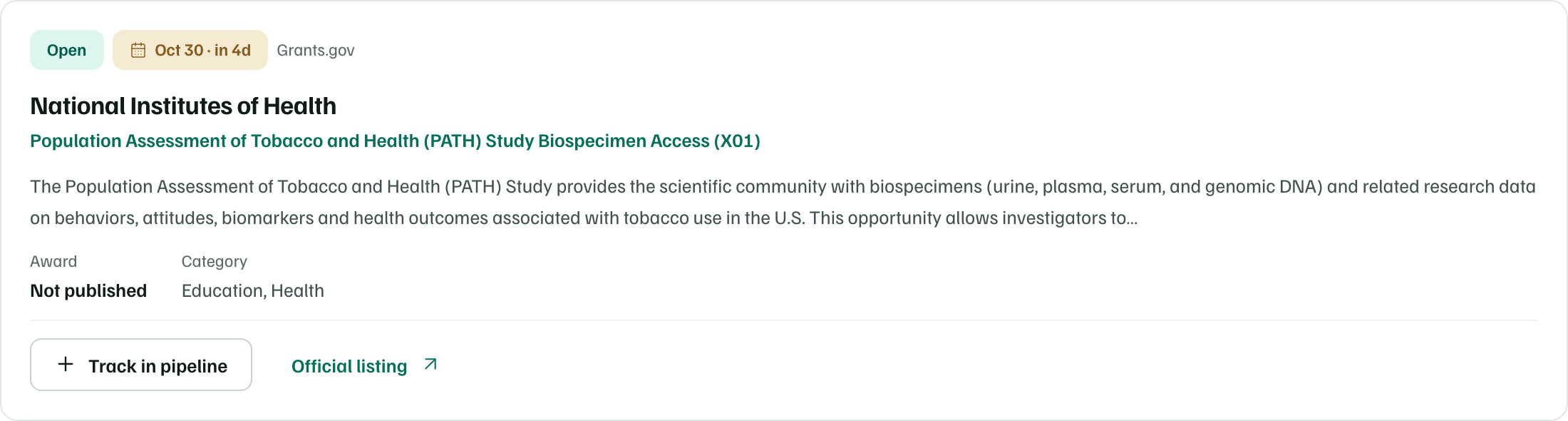
Select Track in pipeline to add a listing to Pipeline as a prospect. The button then reads In your pipeline and opens the record.
Save a search
Select Save this search, give it a name, and under Email me new matches choose Weekly email, Daily email or No alerts. The dialog repeats the filters the search keeps.
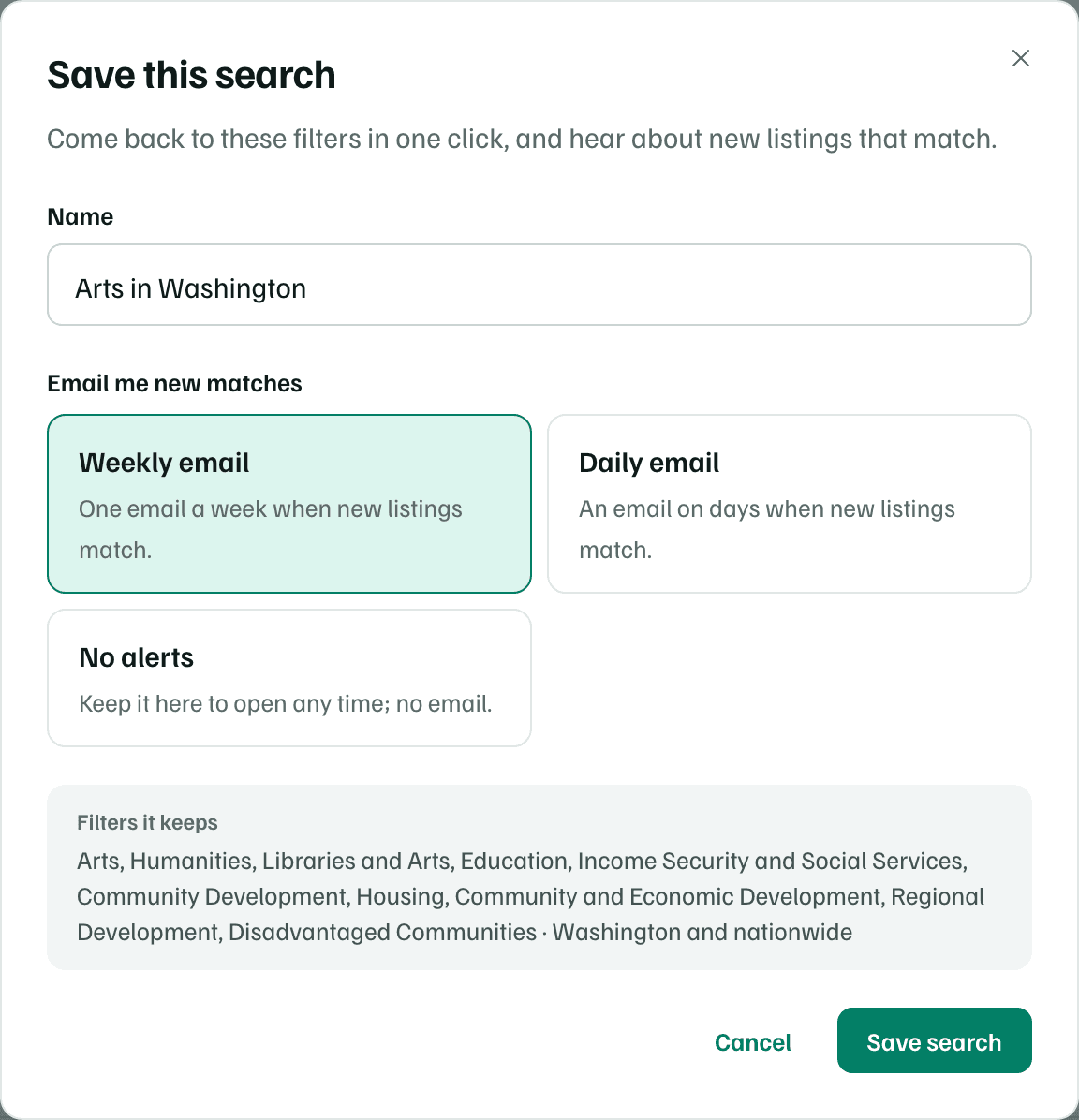
Your saved searches appear under the heading. Select one to open it. The menu beside each one changes its alerts, renames it or deletes it. Saved searches are yours, and teammates save their own.
Alert emails need Search alerts and page changes turned on in your notification settings.
In the app:Settings, then Notifications
Check the funder's page
A listing you track becomes a pipeline record with a Funder’s page card. Check funder’s page reads the funder's application page with AI and shows what it says about the deadline, the amount and who can apply. Nothing changes until you choose what to keep and select Save to record.
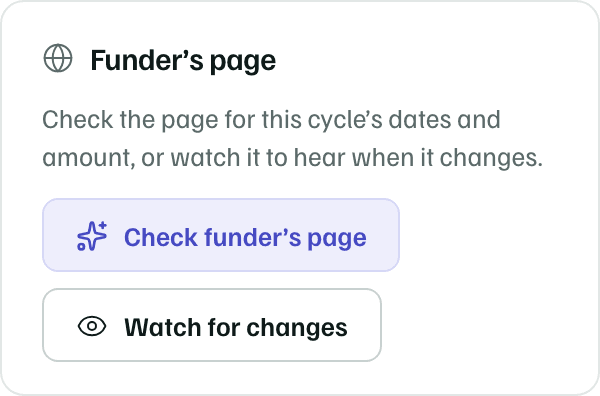
Watch for changes reads the page once a week and tells you when it changes, such as a new round or deadline.
AI actions