A grant writer working for several clients
Follow Northgate Grant Partners, a two-person consultancy, as it runs grant work for a community theatre and a food pantry from one agency workspace.
- 7 min
- Agency plan
Screens from October 2026
Sam Okafor owns Northgate Grant Partners, and Jess Lindqvist works with him. Their clients are Lanternfield Community Theatre and Saltmarsh Pantry Collective, which runs a weekly pantry and a mobile market in Bellingham, Washington. Each client keeps its own workspace. Northgate's agency workspace sits above them.
The Agency plan
Setting up the agency
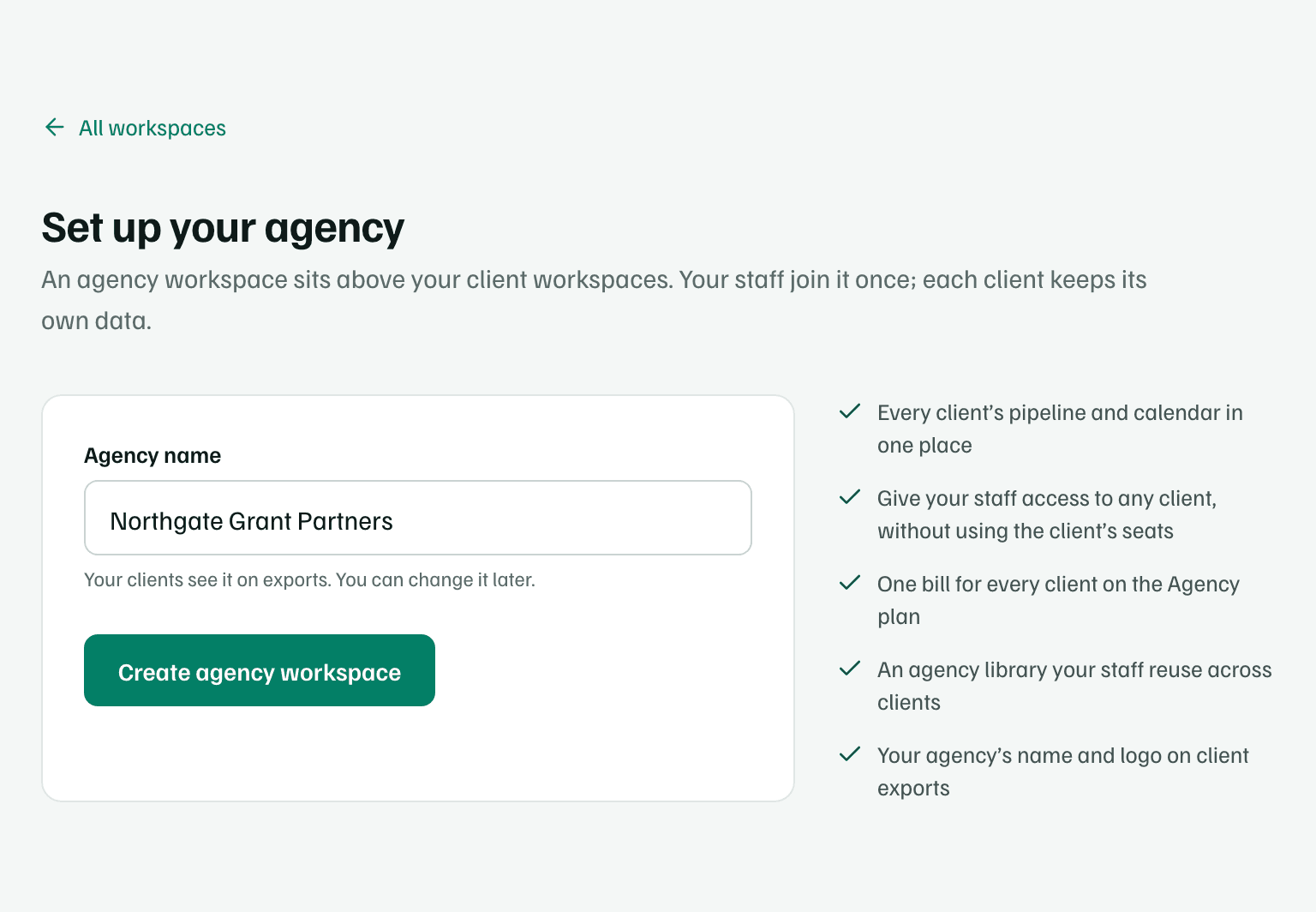
Sam already works in the theatre's workspace, where Dana Whitfield invited him as an admin. From All workspaces, he selects Set up your agency and enters the agency's name. Under Clients to bring in, he picks the theatre, then selects Create agency workspace. The new workspace's sidebar has Clients, Pipeline, Calendar and Library. See Set up an agency workspace.
Adding a client
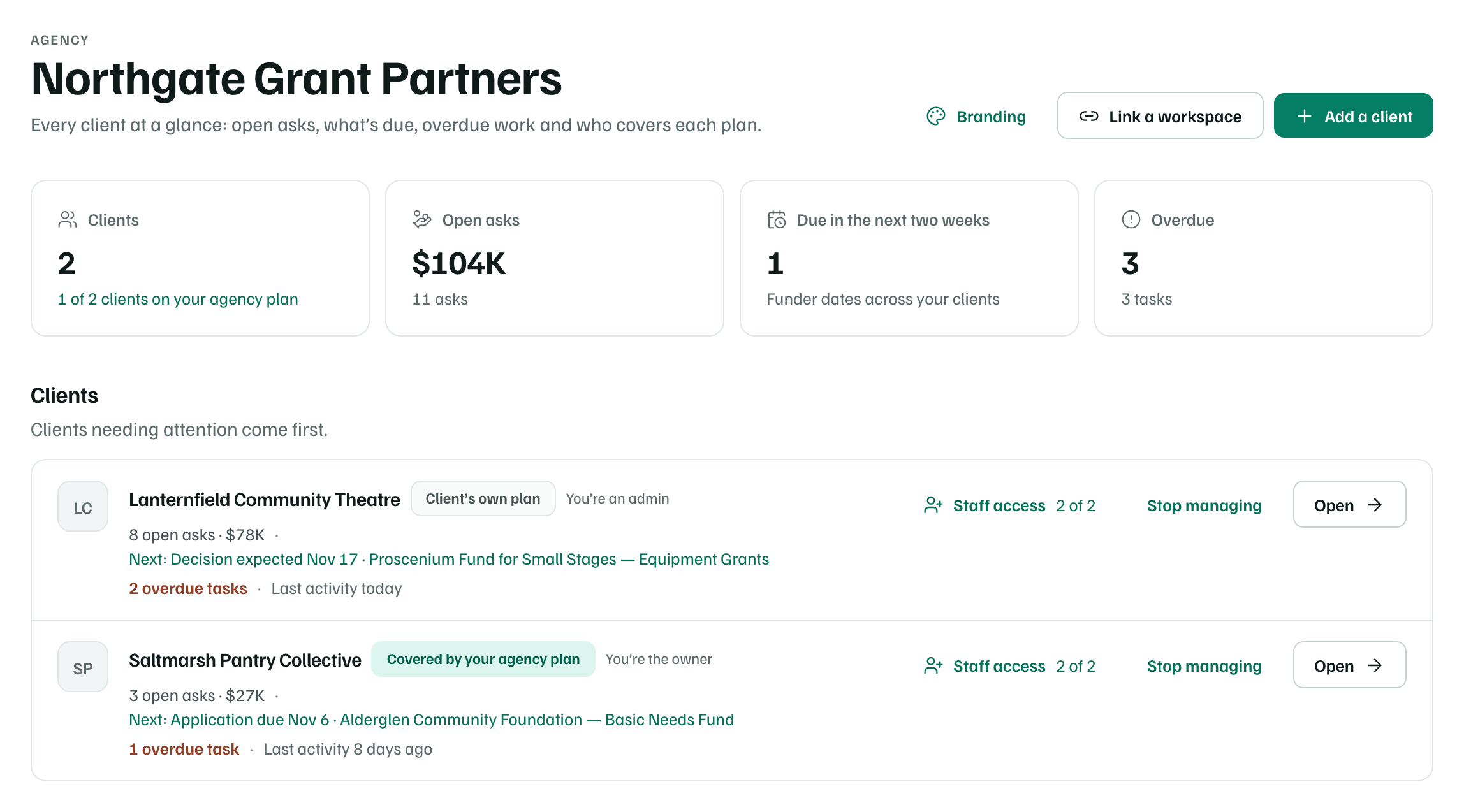
The pantry is new to GrantFlex, so Sam selects Add a client on Clients and enters its name. He owns the new client workspace, and setup carries on from the pantry's funding goals, starting with a refrigerated van for the mobile market.
Clients shows both, with who pays for each plan. The pantry is Covered by your agency plan. The theatre keeps paying for its own Team plan, so it shows Client’s own plan. Each row also gives the client's open asks, its next funder date and any overdue work. See Agency billing.
Giving Jess access
Jess is an editor in the agency workspace, so she doesn't need an invitation to each client. On Clients, Sam selects Staff access on a client's row, chooses Editor for Jess and selects Give access. She can open the client straight away. See Staff access and seats.
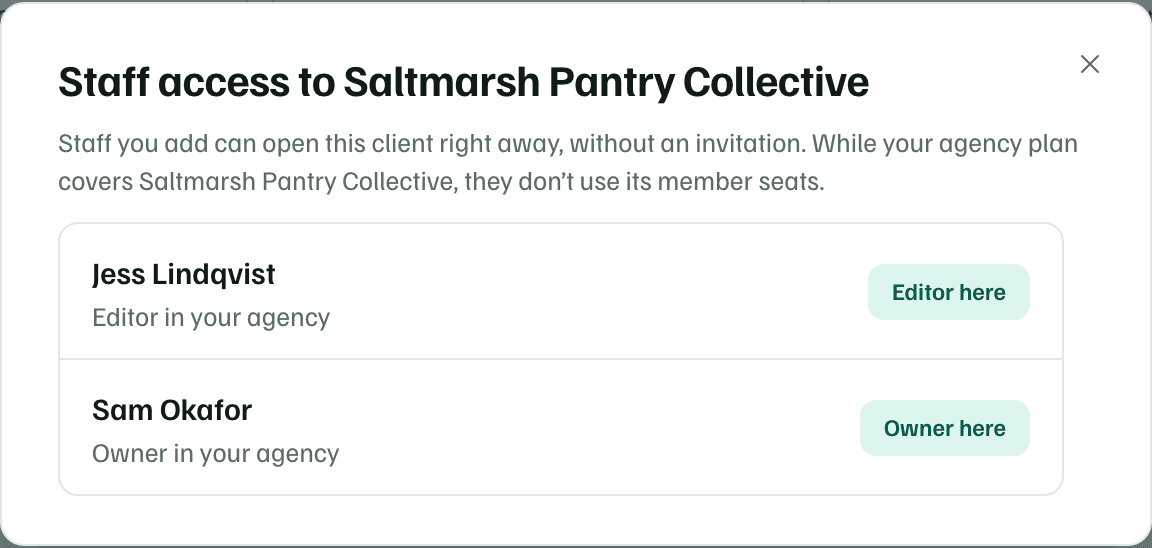
In the pantry, which the agency's plan covers, Jess's staff access doesn't use a member seat. In the theatre, which pays for its own plan, she uses one of its Team seats, like any other member.
One pipeline, one calendar
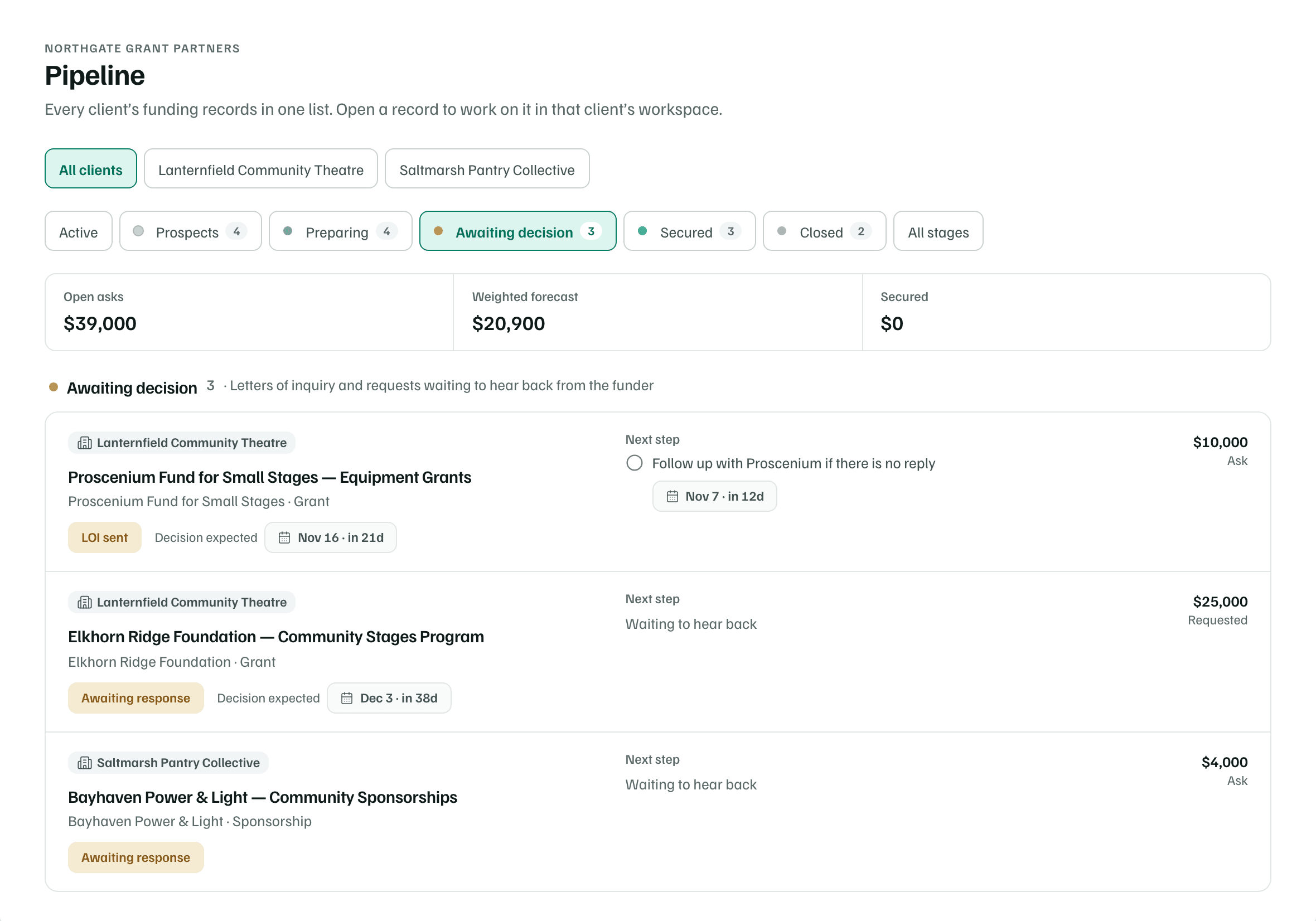
Sam and Jess follow both clients from the agency workspace. Its Pipeline lists both clients' funding records, each tagged with its client. Filtered to Awaiting decision, it shows the theatre's letter of inquiry to Proscenium Fund for Small Stages, its Community Stages request and the pantry's sponsorship request to Bayhaven Power & Light.
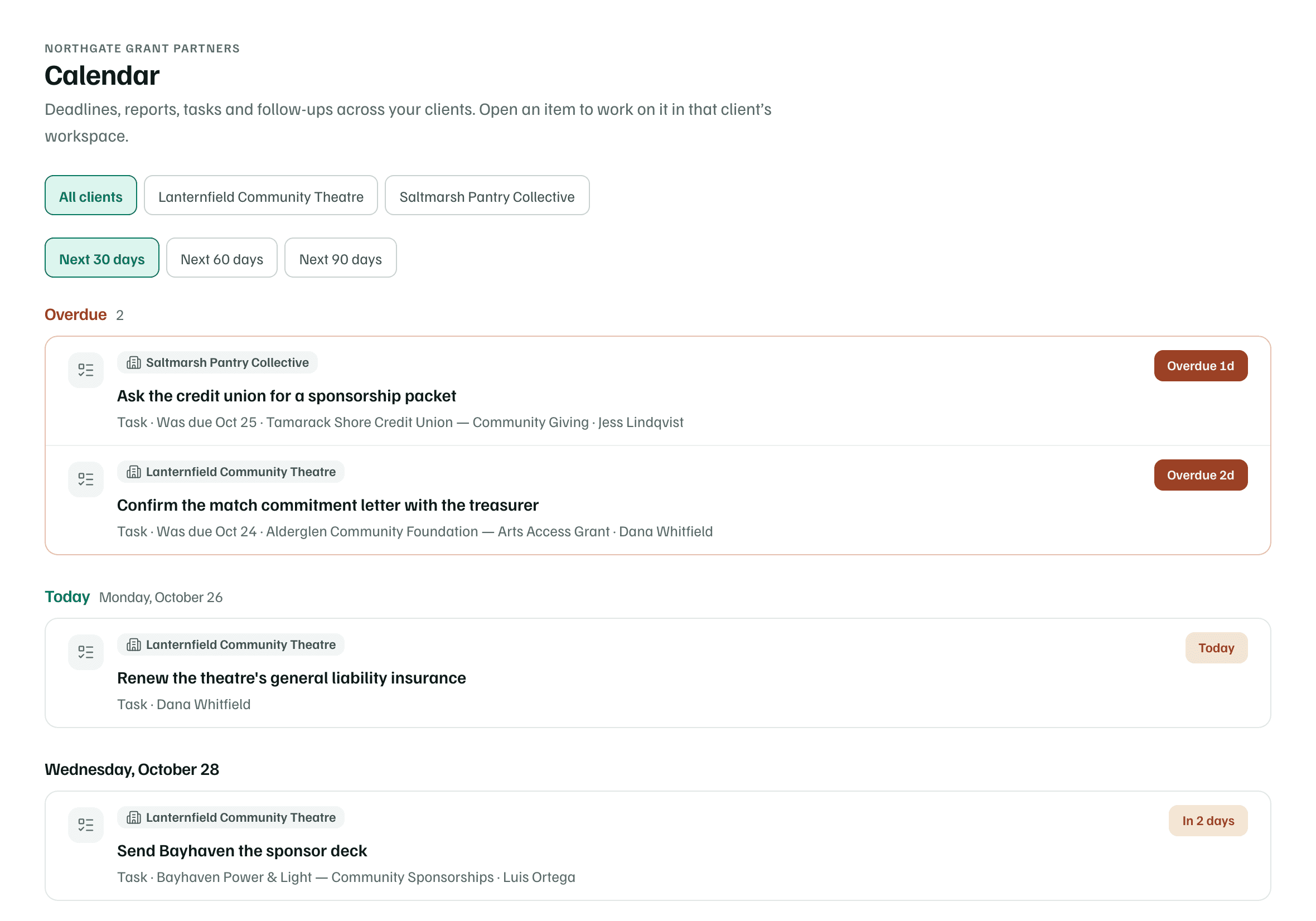
Calendar lists both clients' dates for the next 30, 60 or 90 days, with overdue work first. Jess's task to ask Tamarack Shore Credit Union for a sponsorship packet is a day late. The pantry's Basic Needs Fund application to Alderglen Community Foundation is due in about ten days. To change anything, they open it in its client's workspace. See Combined pipeline and calendar.
Language they reuse
Northgate keeps the language it uses for every client in its agency library: an evaluation approach for small programs, the team's bios and standard partnership terms. In a client's proposal, the section editor's Library has a Client library tab and an Agency library tab, so Jess can insert an agency entry and adapt it to the funder's question.
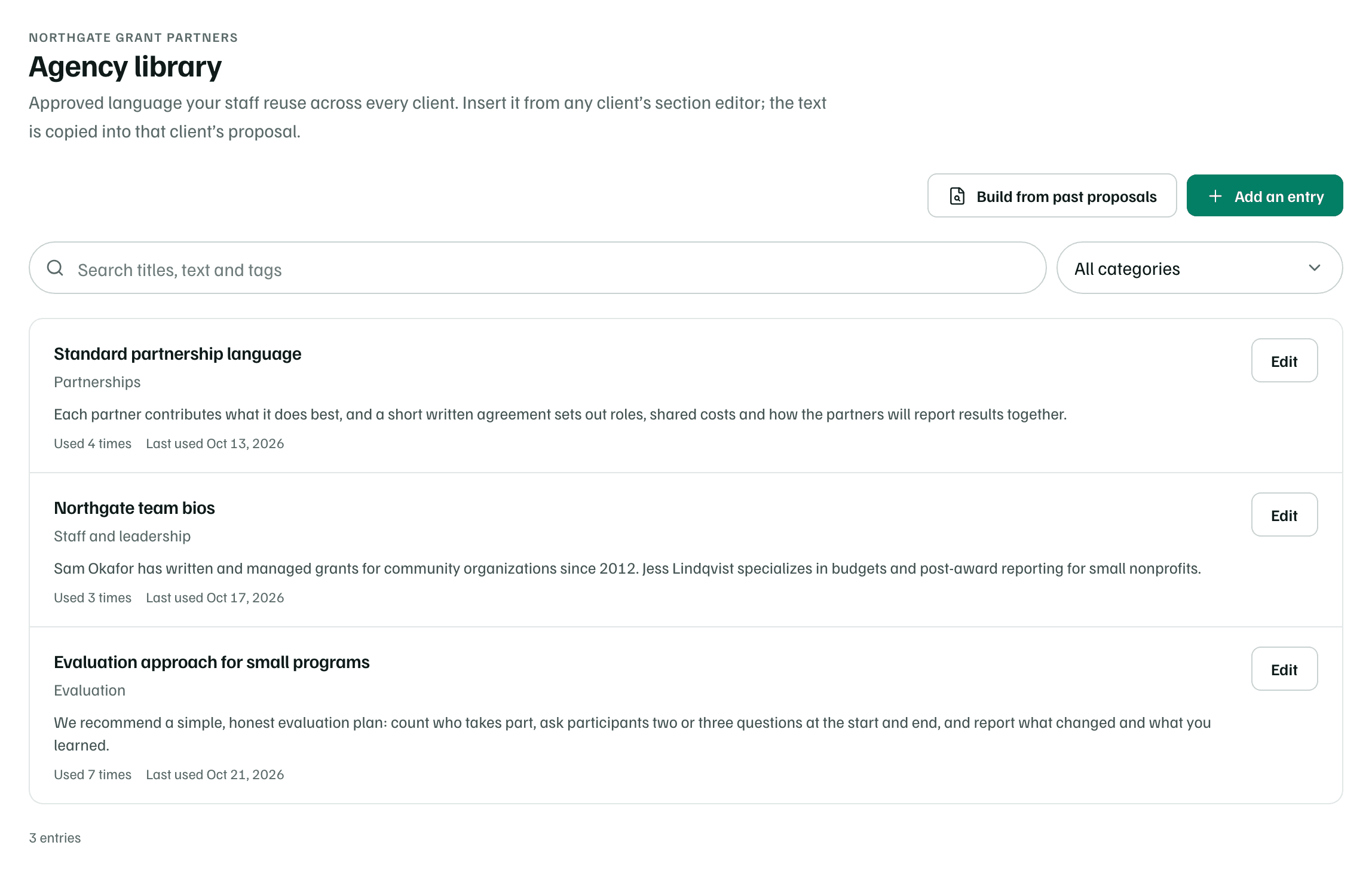
Before Jess saves a section to the agency library, she takes out names, figures and anything else that belongs to one client, since staff reuse it for every client. See Agency library and branding.
Exports that carry the agency's name
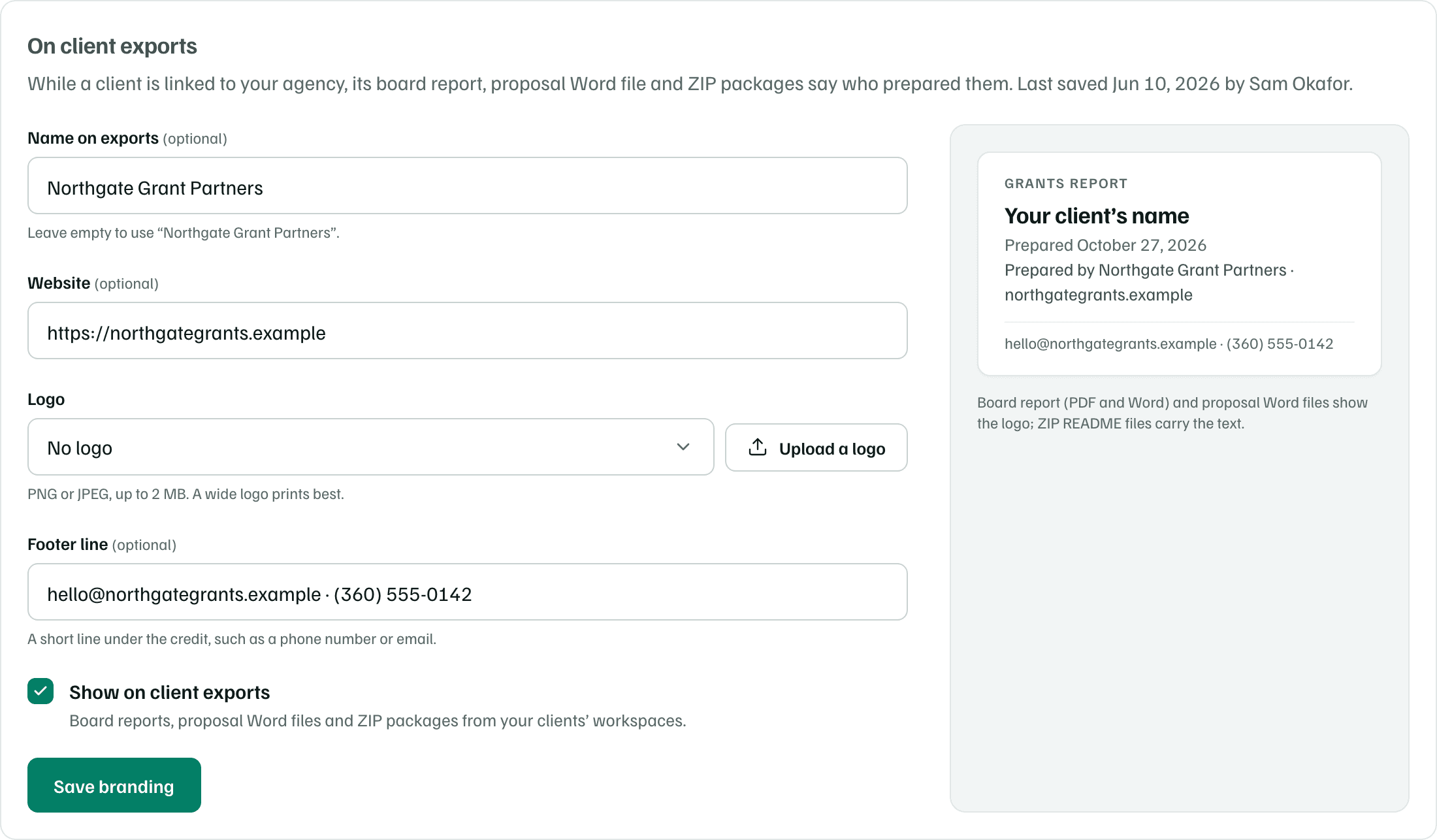
In Agency profile and branding, Sam sets the name, website and footer line that client exports carry, and leaves Show on client exports on. While the theatre and the pantry are linked, their board reports, proposal Word files and ZIP packages say they were prepared by Northgate Grant Partners. See Board summary and board report.
Handing a client over
When the pantry is ready to run its own workspace, Sam can hand it over. It has no members of its own yet, so its Agency card in Settings asks him to invite someone from the pantry first, with Invite a member.

Once that person has joined, Sam selects Hand over to client, makes them the owner and decides whether he and Jess keep access. The pantry keeps all of its data, and its own plan applies from then on. See Hand a client over or leave.