Prepare a board report
Turn what you've recorded in Pipeline into a report for your board. Choose the period on Insights, check the figures, write a short board summary, and download the report as a PDF or Word file.
- 10 min
- Every plan
- Uses 1 AI action
Screens from October 2026
Before you start
Check first
Prepare the report
Choose the period
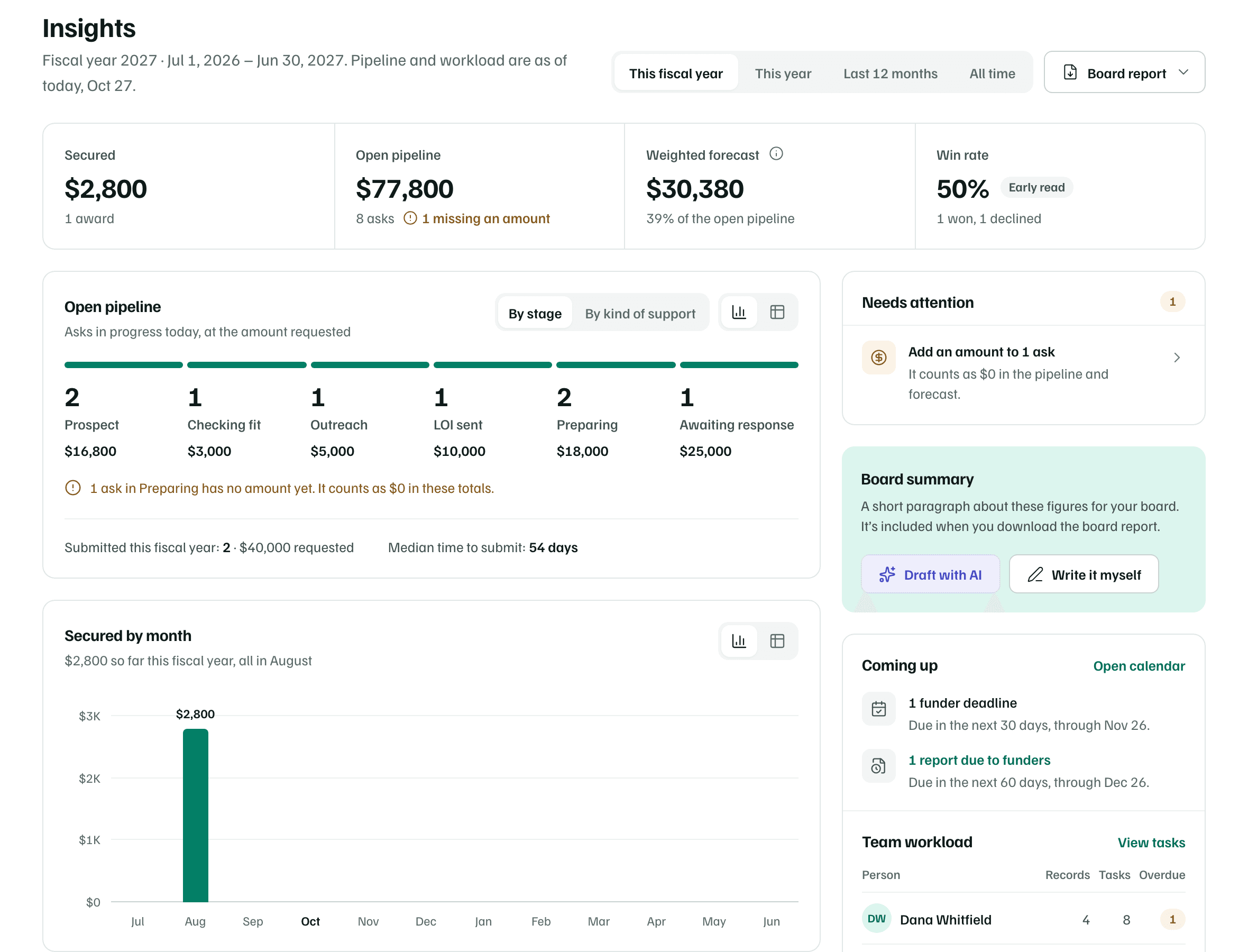
Open Insights and choose the period with the switch beside the title, such as This year or Last 12 months. The board report uses the same period and figures.
Example workspace · fictional data Check the figures
Read Secured, Open pipeline, Weighted forecast and Win rate. If one looks wrong, correct the funding record it comes from.

Example workspace · fictional data Write the board summary
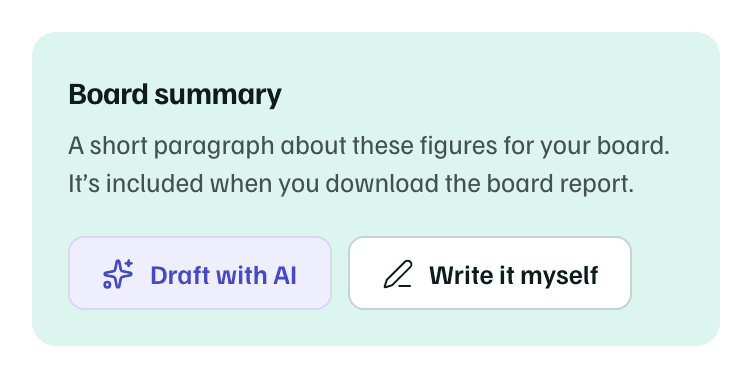
On the Board summary card, select Write it myself for up to 3,000 characters, or Draft with AI. AI drafts one or two short paragraphs from the period's counts and dollar totals only, and each draft uses one AI action.
Read and edit the summary before you share it.
Example workspace · fictional data Download the report
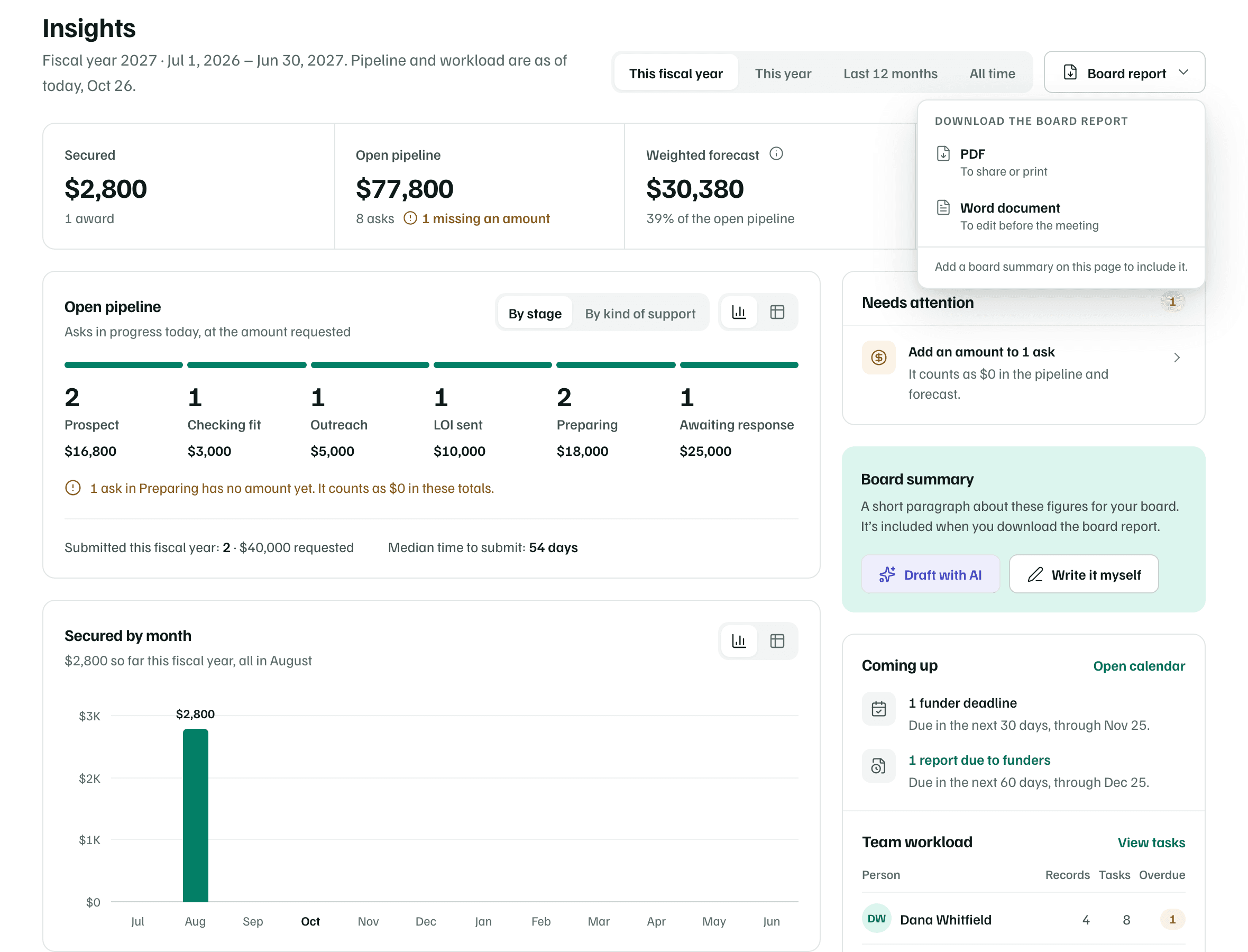
Select Board report, then PDF to share or print, or Word document to edit before the meeting. The menu says whether your summary is included.
Example workspace · fictional data
Check first
For what each section of the report holds, see Board summary and board report.
What you get
A board report named with your organization and the date. It holds your summary, the key figures, the open pipeline by stage, awards secured, requests waiting on a decision, what's coming up and any declines.