Subscribe from Google Calendar
Create a private calendar link and add it to Google Calendar. Your workspace's deadlines, reports, tasks and follow-ups then show beside your other events, and they update as dates change in GrantFlex.
- 5 min
- Every plan
Screens pending
Add your dates to Google Calendar
Open Subscribe
In Calendar, select Subscribe at the top of the page. The same link is in Settings › Notifications, under Calendar subscription.
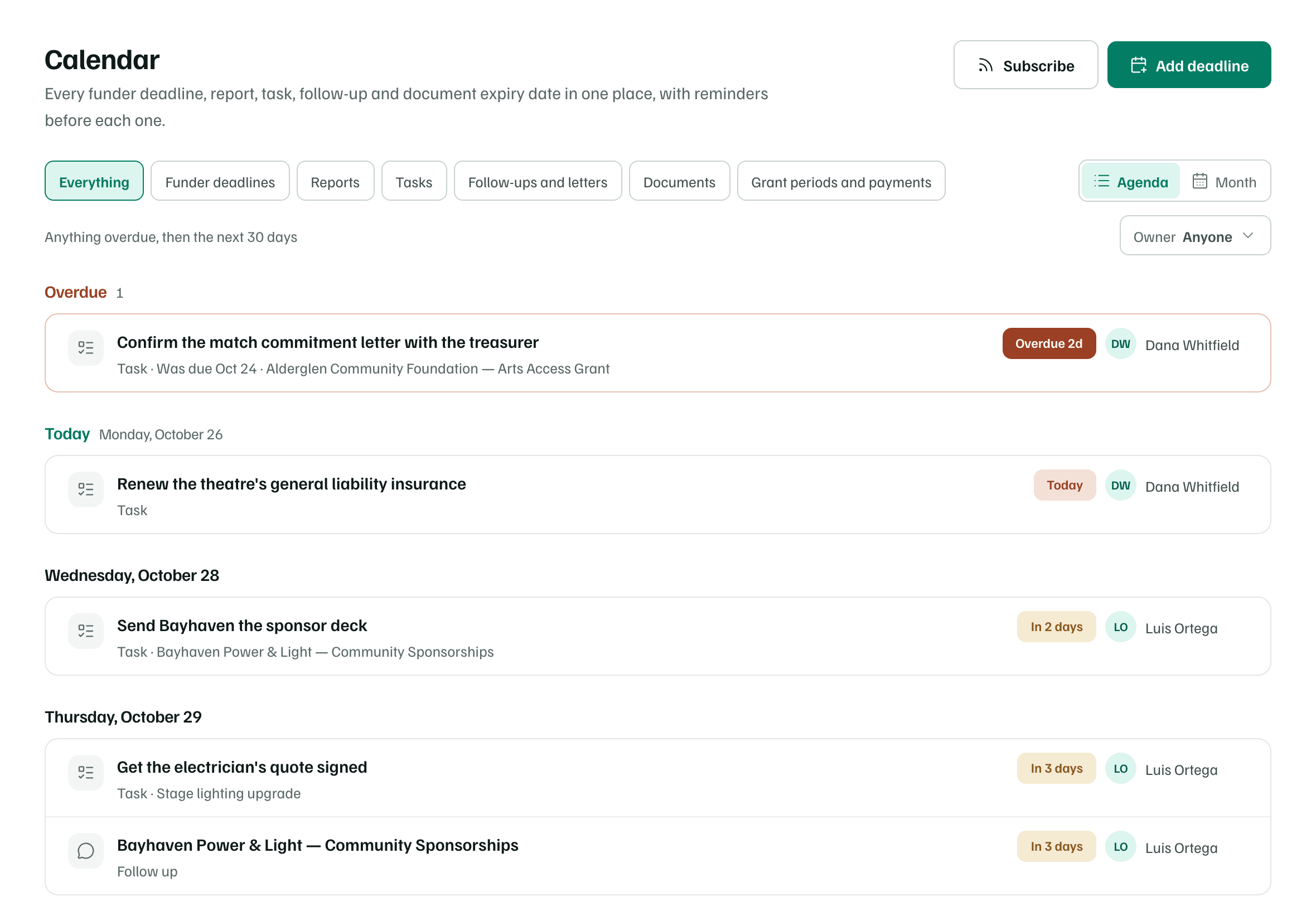
Example workspace · fictional data Create your private link
Select Create a private calendar link. The dialog shows Your private calendar link, with Copy link and a button for each calendar app. The private calendar link is yours alone, for this workspace.
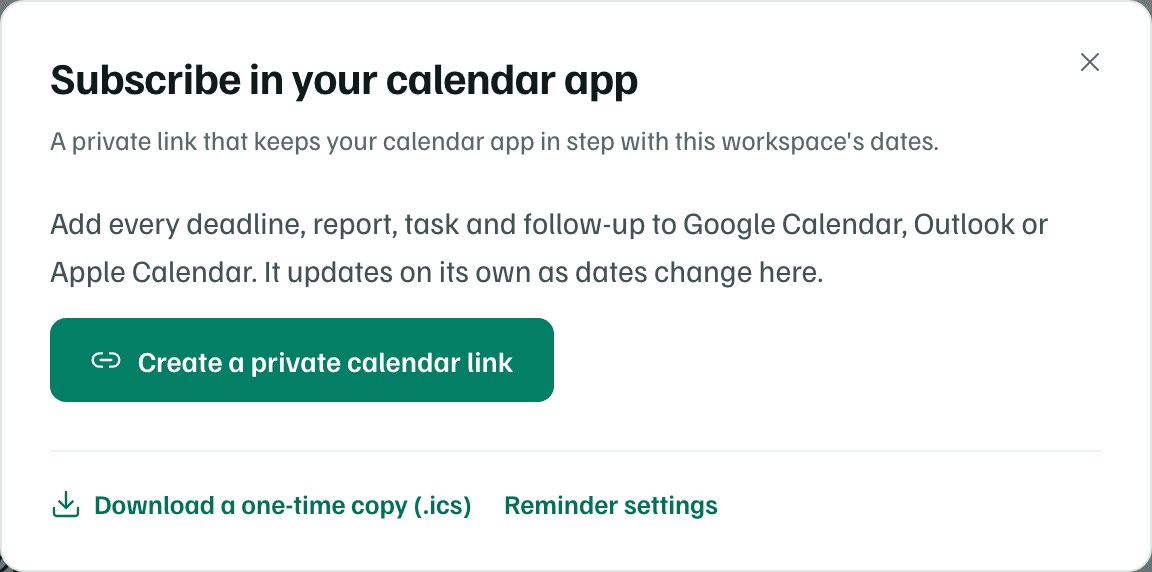
Example workspace · fictional data Add it to Google Calendar
Select Add to Google Calendar. Google Calendar opens in a new tab. Follow its steps to add the calendar.
To add it by hand instead, select Copy link. Then, in Google Calendar on a computer, open Other calendars → + → From URL, paste the link and choose Add calendar.
Calendar apps check for changes on their own schedule, from every few minutes to once a day, so a new date can take a while to appear.
Keep this link private
For Apple Calendar, Outlook and the one-time .ics copy, see Subscribe from Google, Apple or Outlook.
What you get
Your workspace's dates in Google Calendar, in a calendar named after the workspace. Estimated dates are marked tentative, and each event's notes link back to its record in GrantFlex.